Pages, not documents
A frictionless list of pages with automatic saving. Give a page a name of your own, or let the first line become its title.
 Kajet2.0Kajet 2.0 is outSee what is new →
iPhone · iPad · Mac
Capture a thought before it slips away. Open Kajet, start typing, and let automatic saving take care of the rest — no filenames to choose, no save button to remember.




For iPhone, iPad and Mac.
Version 2.0
Kajet still opens on an empty page and still asks you nothing. What 2.0 adds is what happens after you have written something: a way to read it, a way to file it, and a way to get it out again.
The eye in the toolbar — or ⌥⌘V — shows the page the Markdown describes: headings at their real size, lists, tasks, tables, links and coloured code, without a marker in sight. It opens where you were reading, and pressing it again puts you back exactly where you were typing.
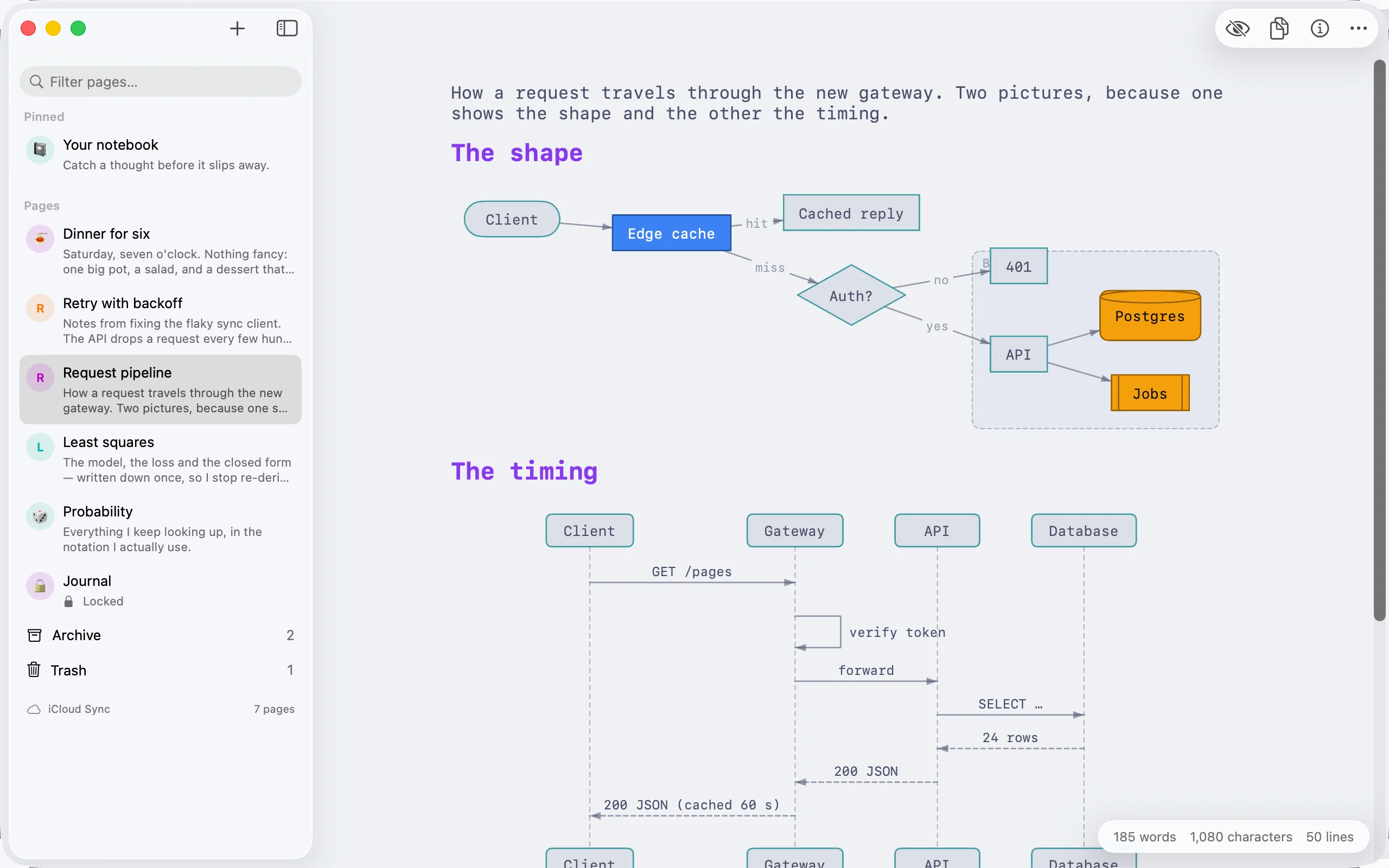
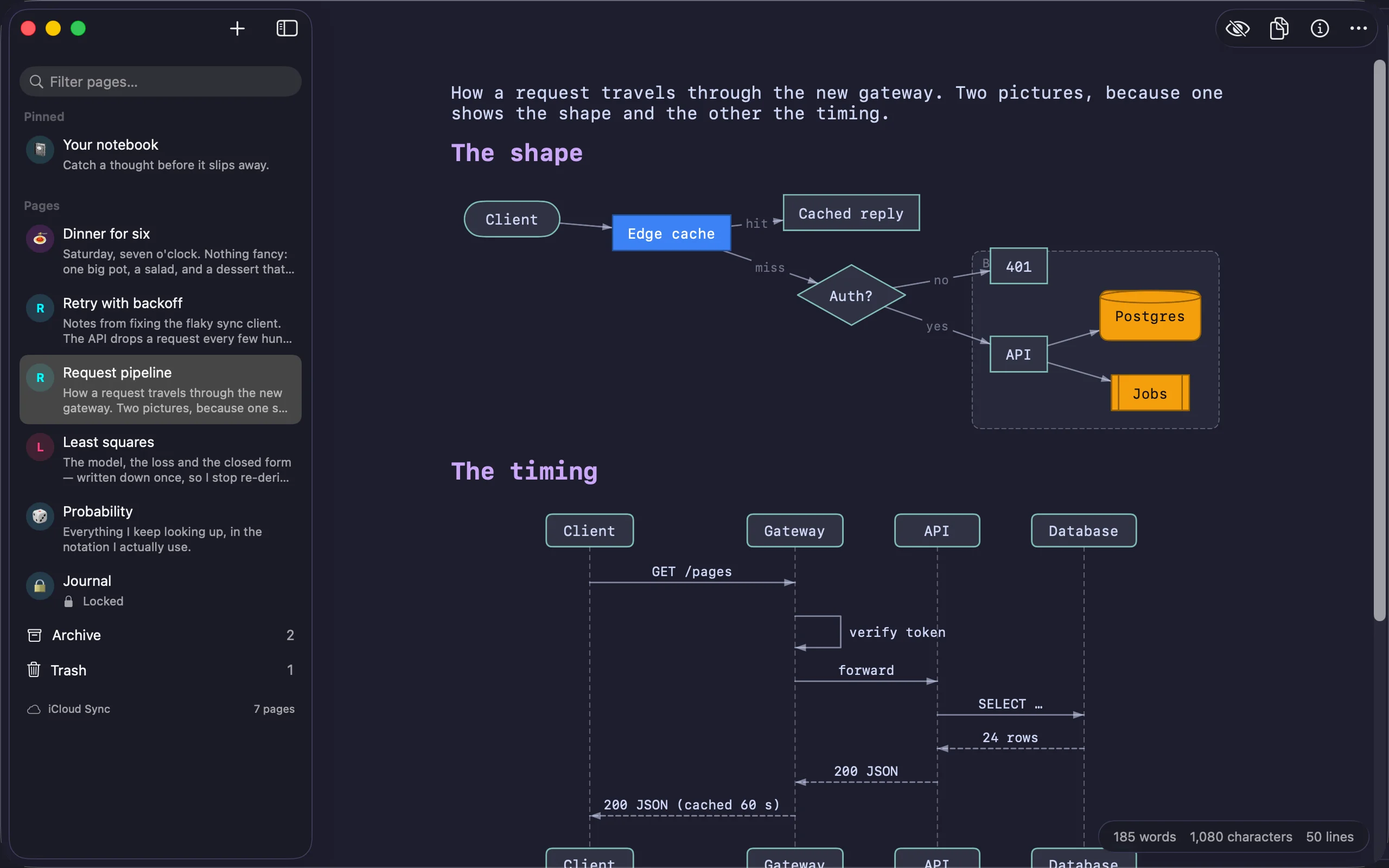
A mermaid fence is drawn as a picture: flowcharts, state, class and sequence diagrams and pie charts, in the colours of the scheme you are using — or in the diagram’s own, when it gives them. Drawn by Kajet itself, with no web view and no JavaScript.
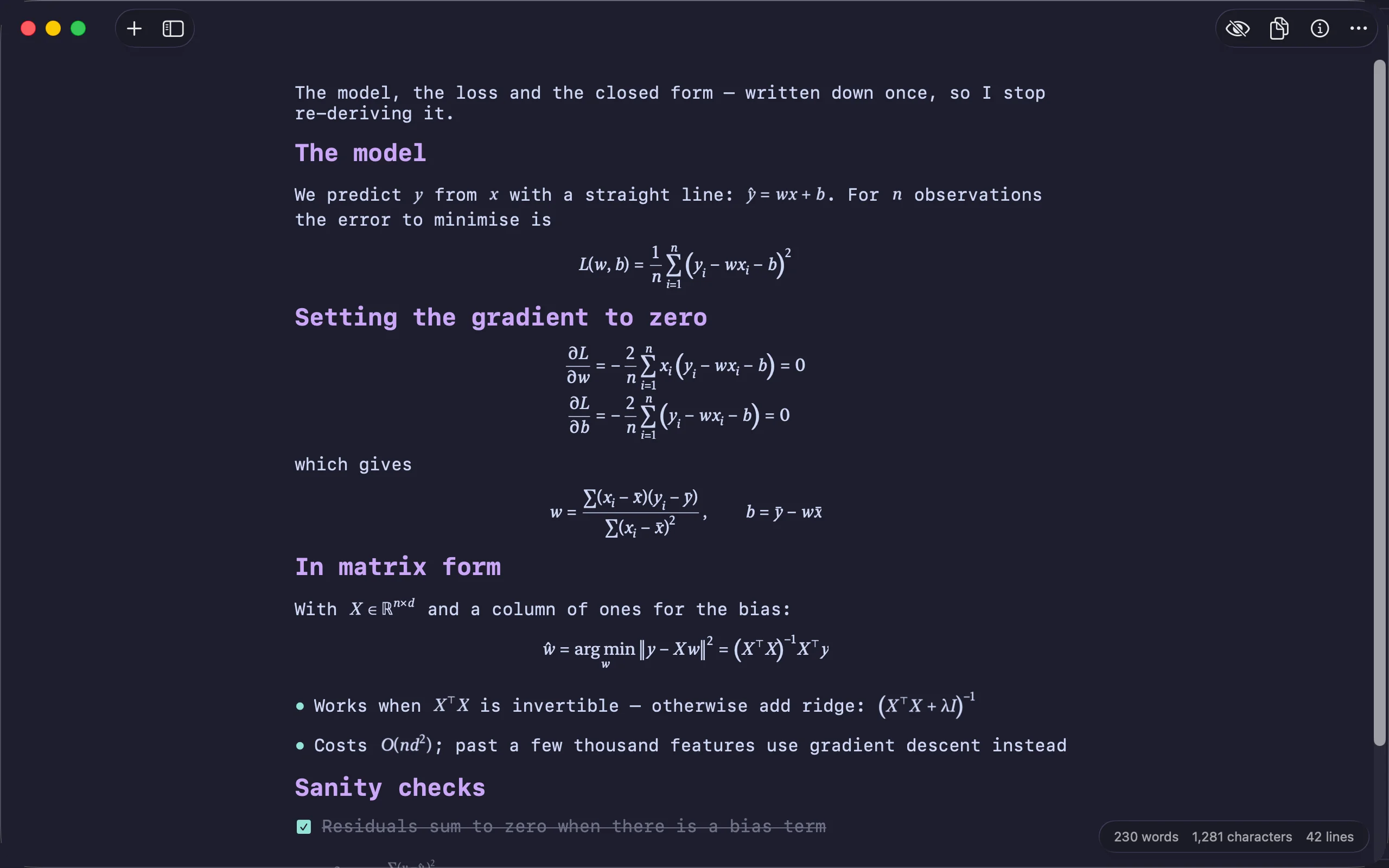
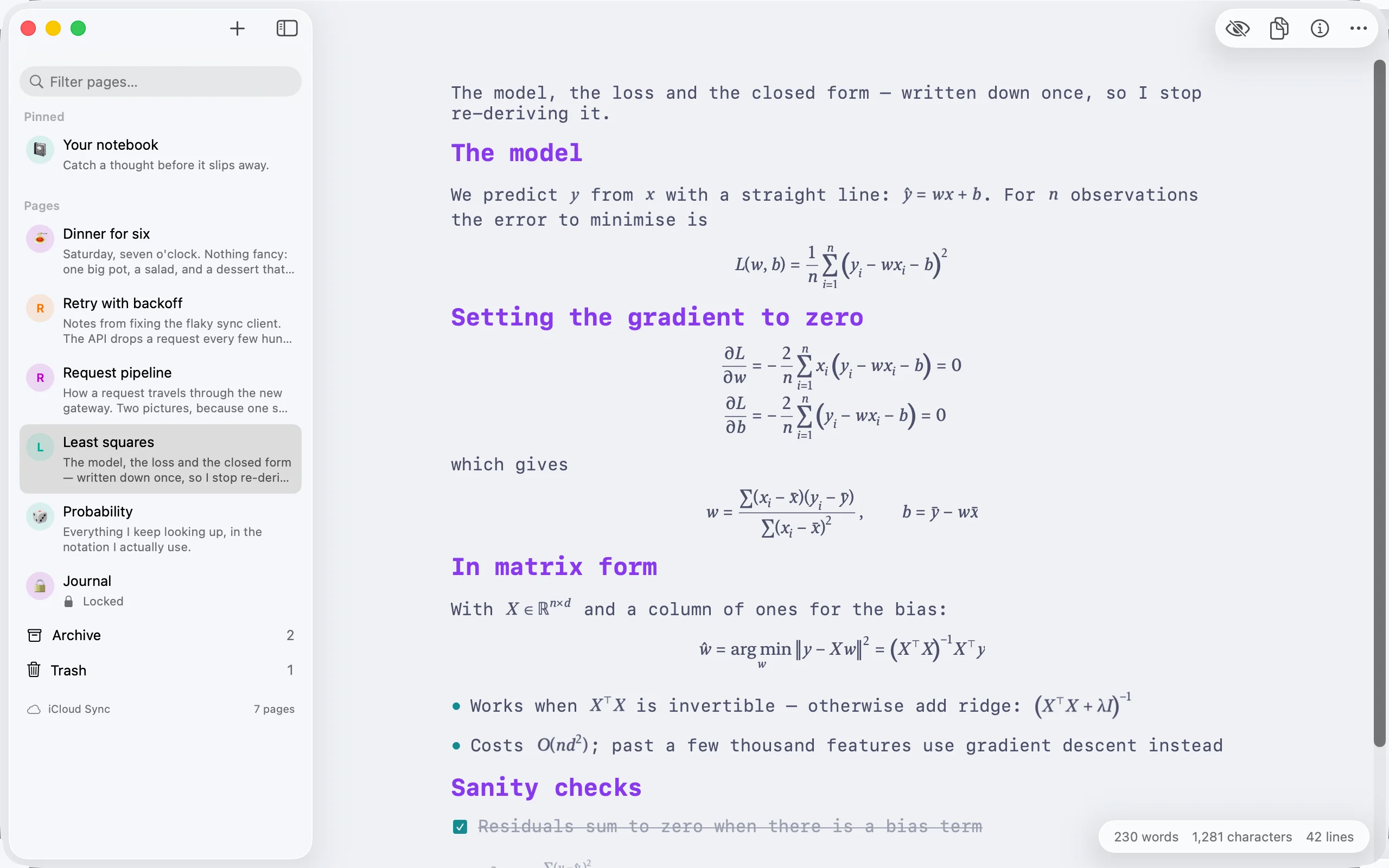
Write a formula between dollar signs in a sentence, or put one on its own lines as a block, and reading mode sets it as mathematics: fractions, radicals, sums and integrals with their limits, matrices, aligned equations and brackets that grow to fit. Typeset by Kajet, so it works offline and prints with the page.
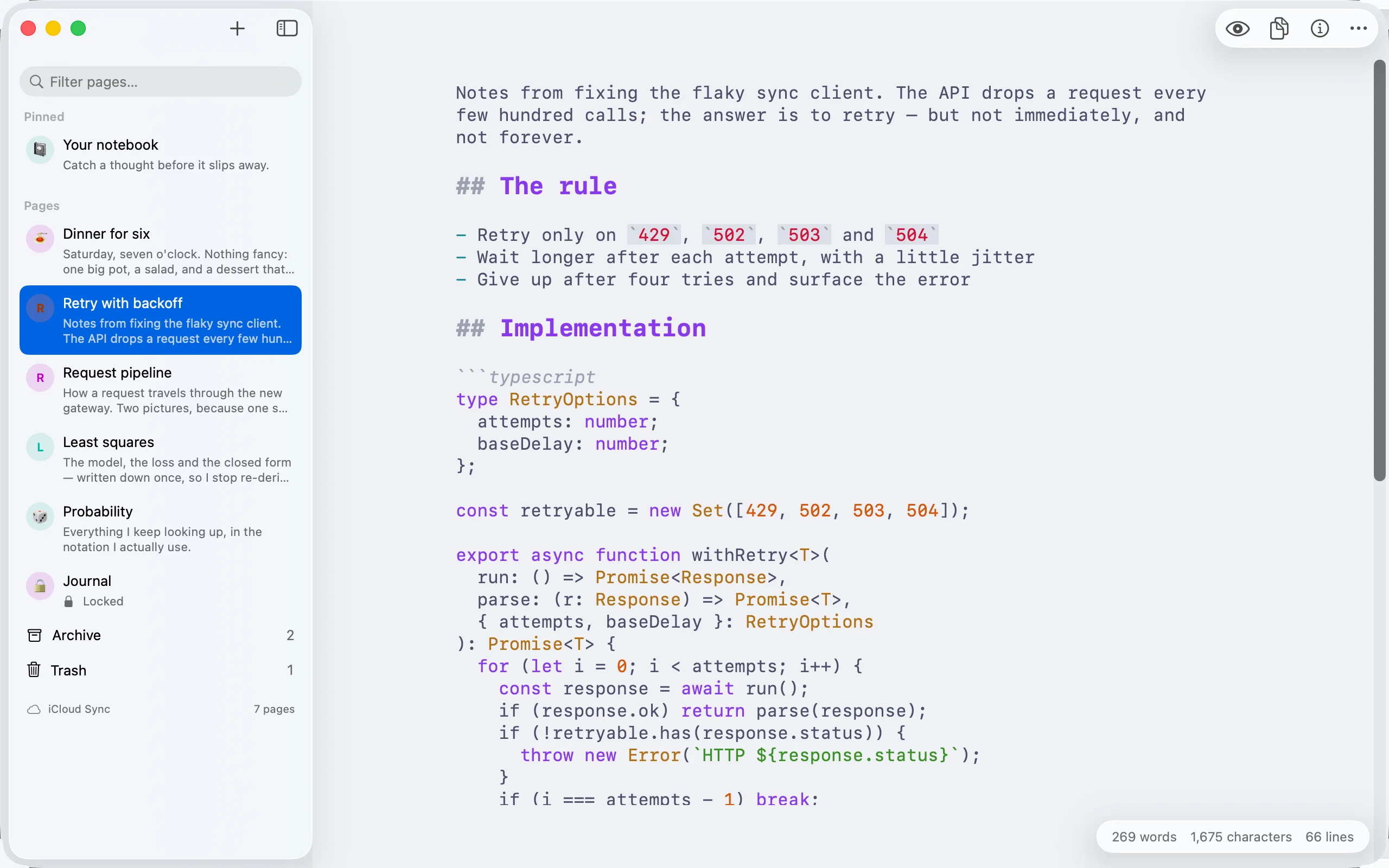
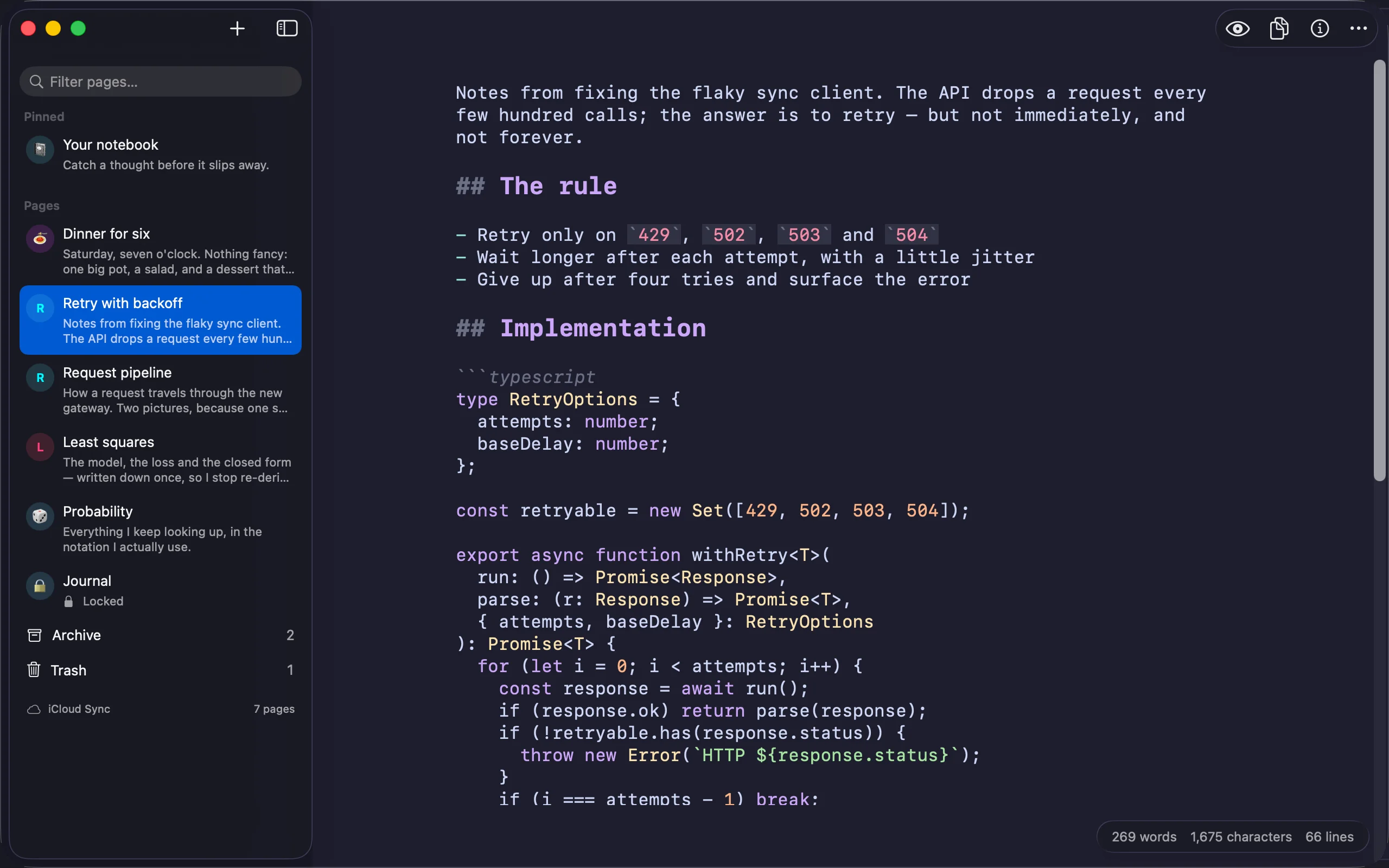
Name a language after the opening fence and its keywords, types, strings, numbers and comments are coloured — while you write and while you read. Sixteen languages, in the colours of the scheme you picked. A fence Kajet does not know is left exactly as it was.
Deleting a page no longer means losing it. Move to Trash asks nothing, because you can put it back; Archive keeps a page you have finished with. Each opens as a screen of its own with its own search, and the trash clears itself after 30 days.
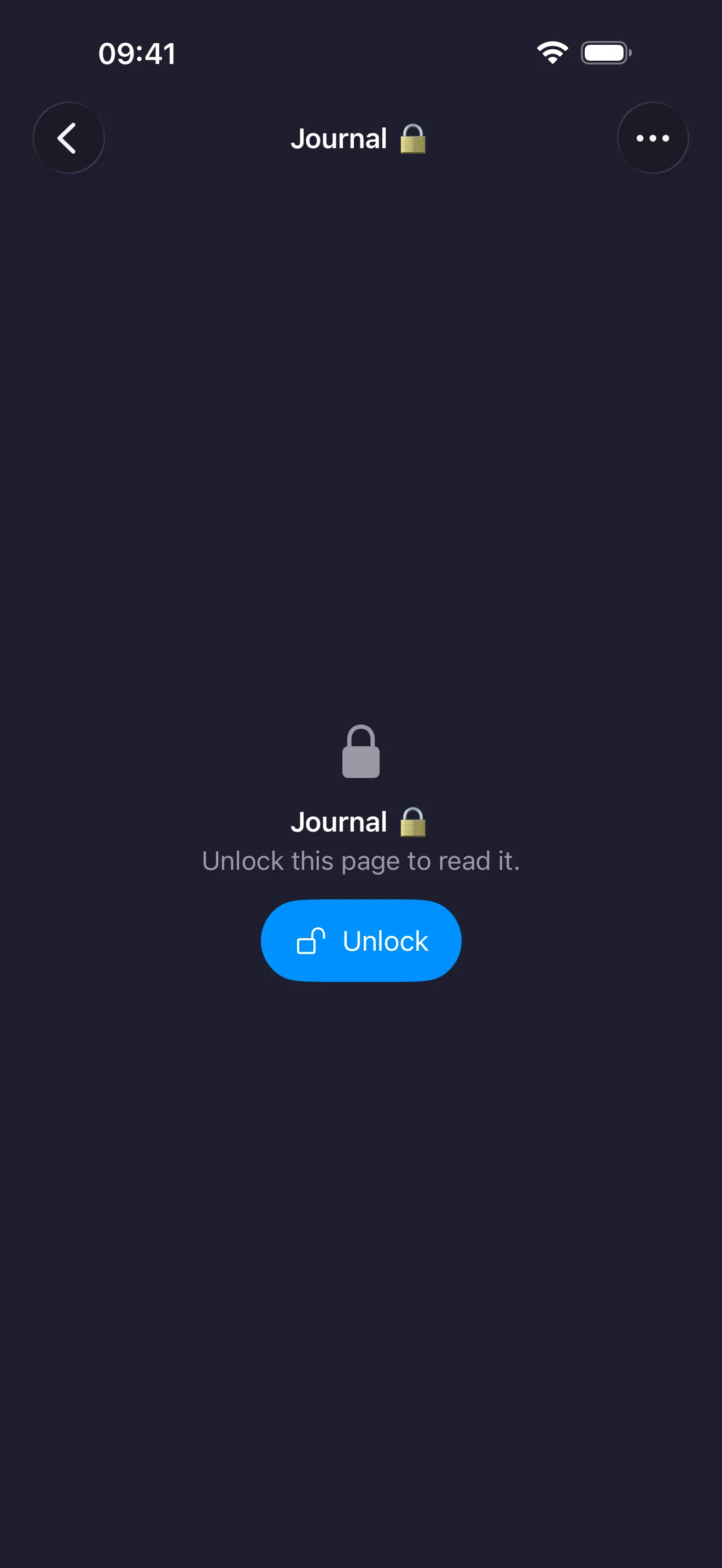
Any page can go behind Touch ID, Face ID or your device password. Until you open it the list shows only its name, and search, reading mode, statistics, sharing, export and printing all wait. Locking hides a page inside Kajet; it does not encrypt the file.
A page becomes a document on white paper, laid out exactly as reading mode shows it — diagrams, mathematics and pictures included — with its text still searchable and selectable. On the Mac ⌘P now prints that same document instead of the markers you typed.
Ten tiles — characters, words, lines, sentences, paragraphs, words per sentence, how long the page takes to read silently and aloud, and when it was written — beside a list of every heading, and one tap takes you to it.
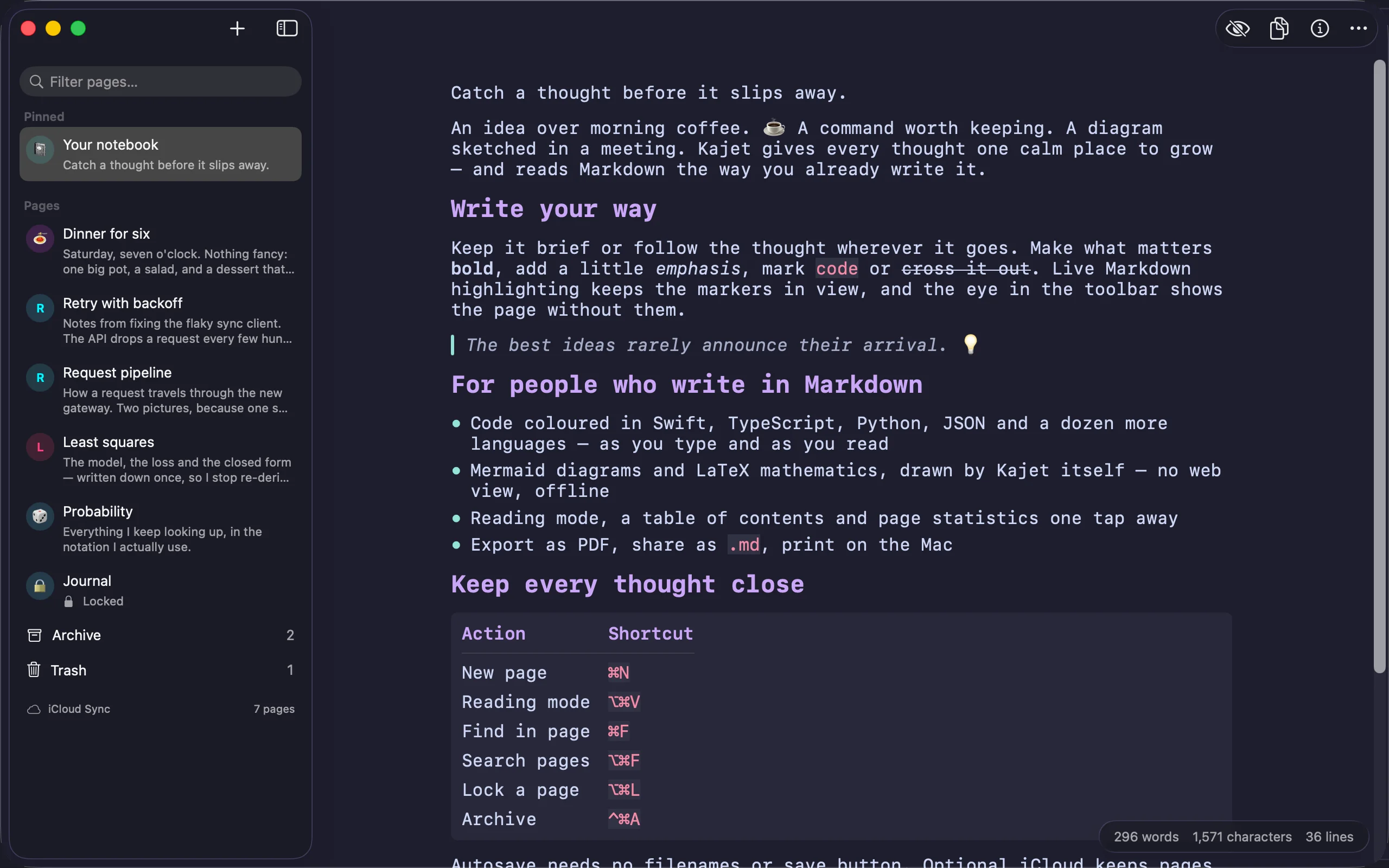
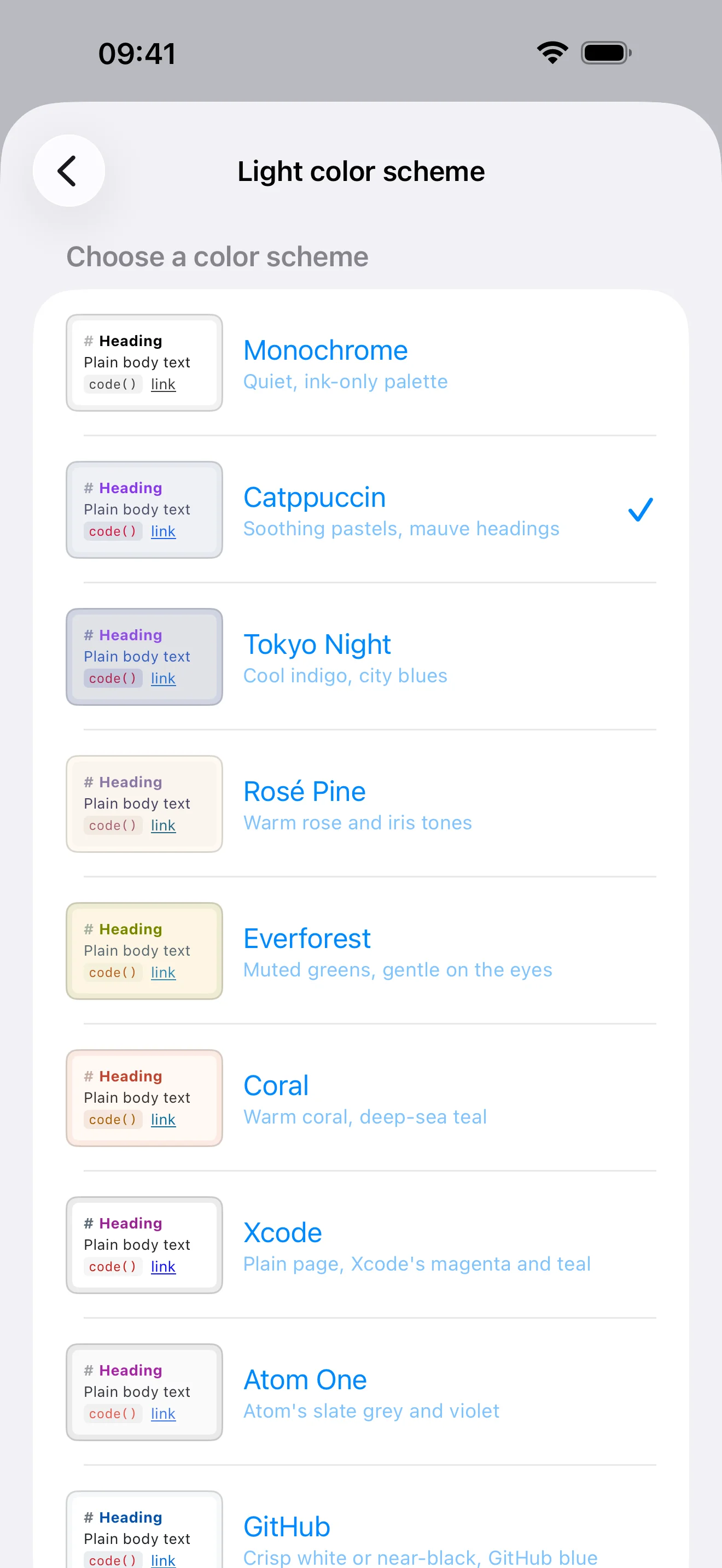
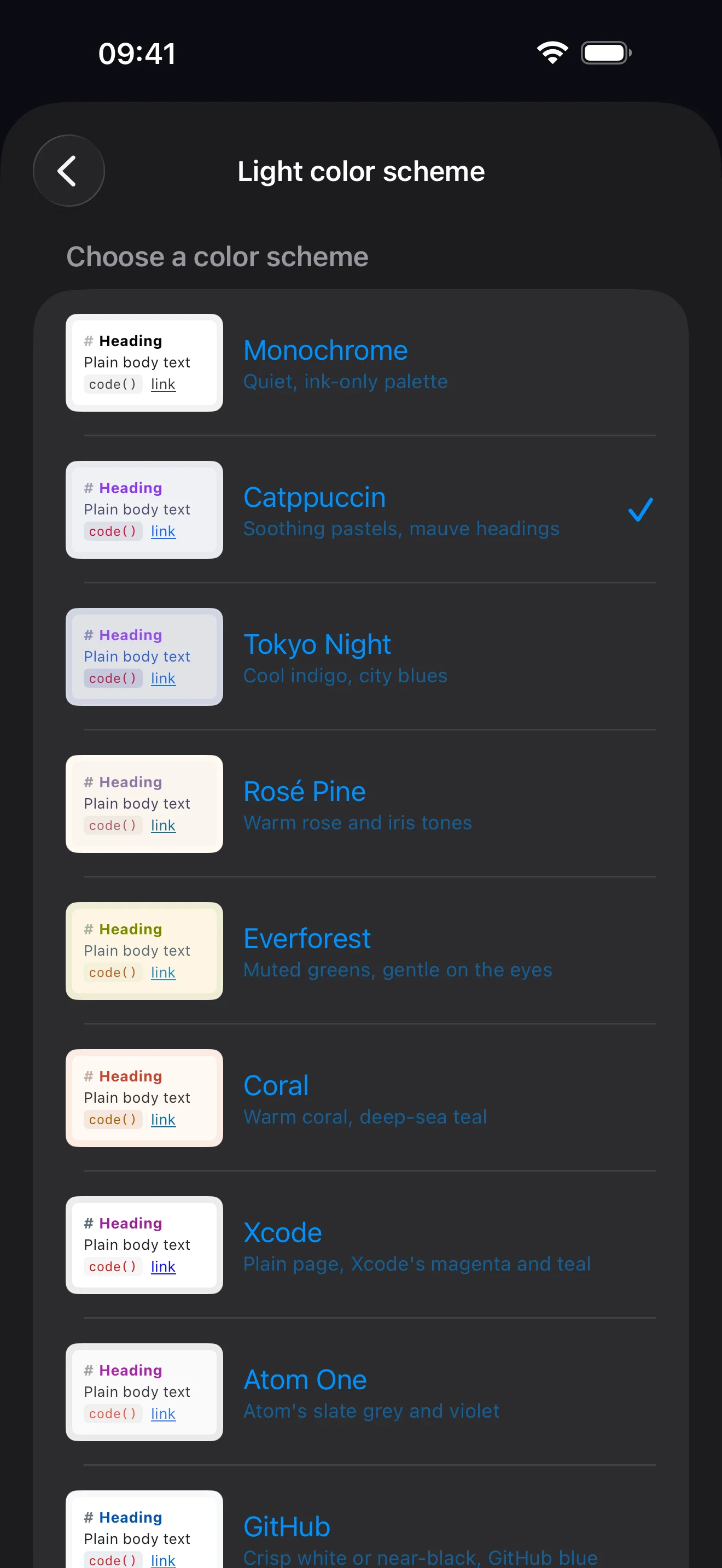
Monochrome, Catppuccin, Tokyo Night, Rosé Pine, Everforest and Coral tint the window along with the page. Xcode, Atom One and GitHub leave the window alone and colour only the writing. Light and dark are still picked separately; Catppuccin is the new default.
Version 2.0 is a free update for everyone who already owns Kajet.
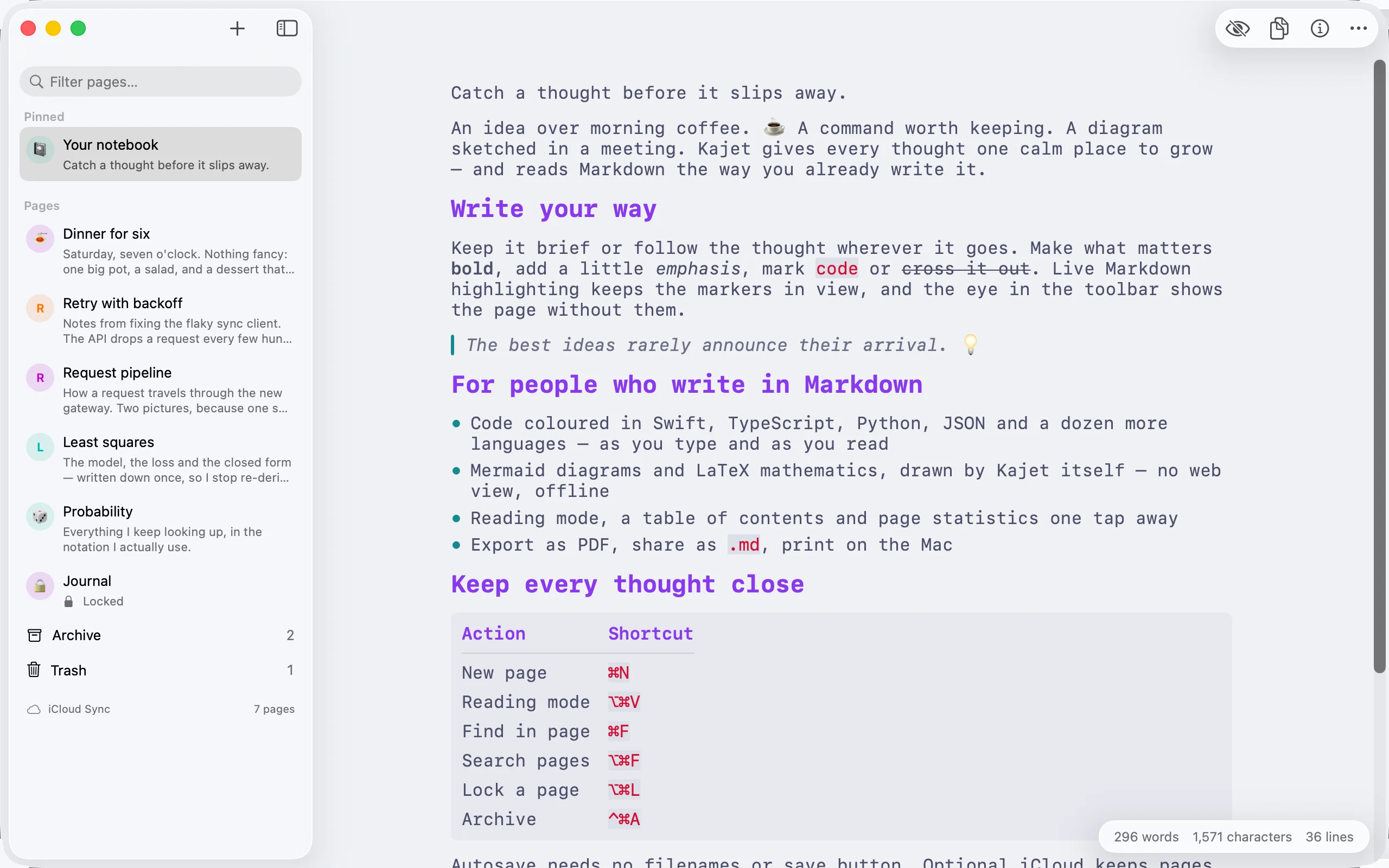
The same notebook on iPhone, iPad and Mac, with separate colour schemes for the light and the dark appearance. The shots follow the appearance you pick in the header.
On the Mac a window you can keep beside your work — a system sidebar, the page running to the top edge, and its own actions floating on it.
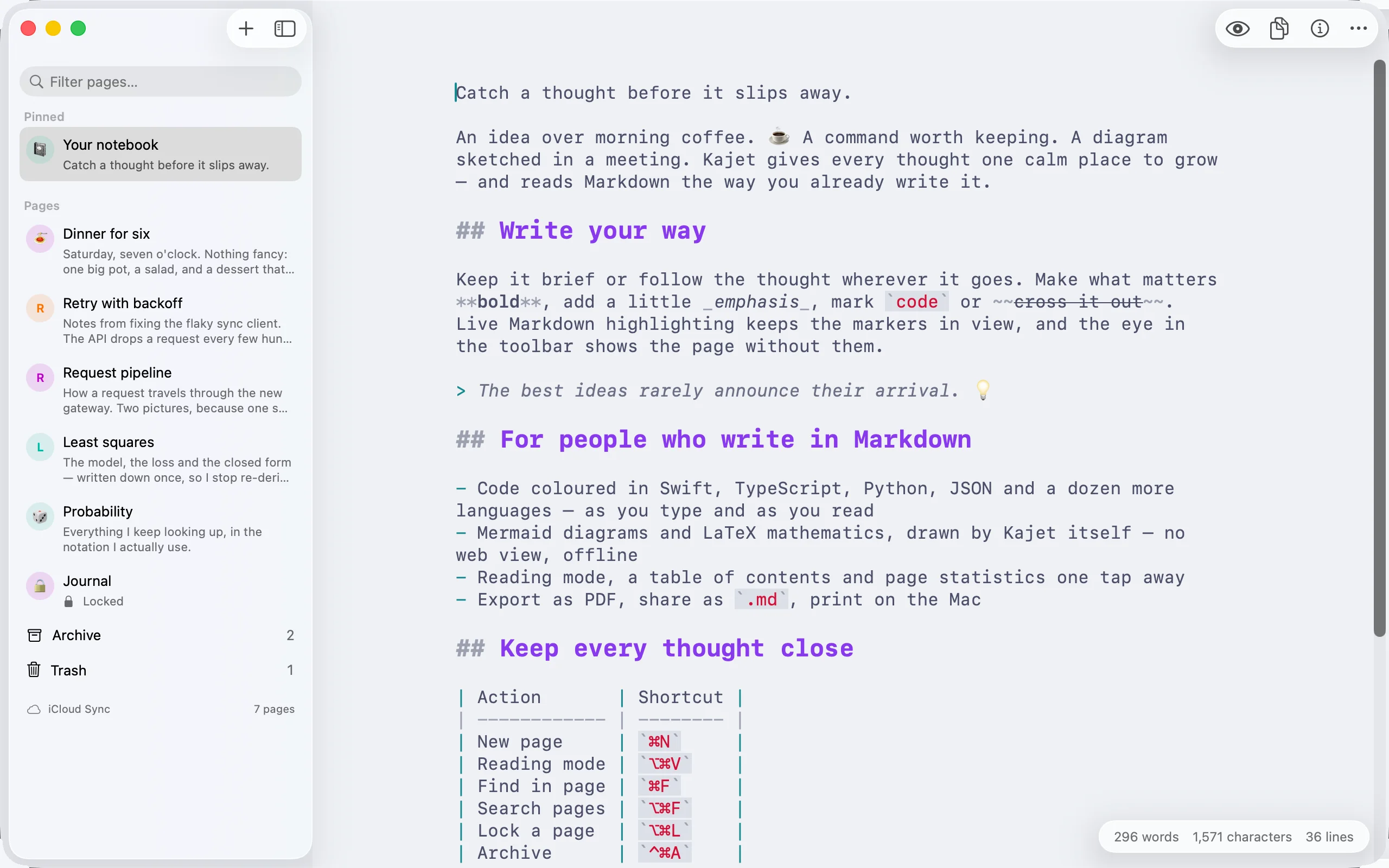
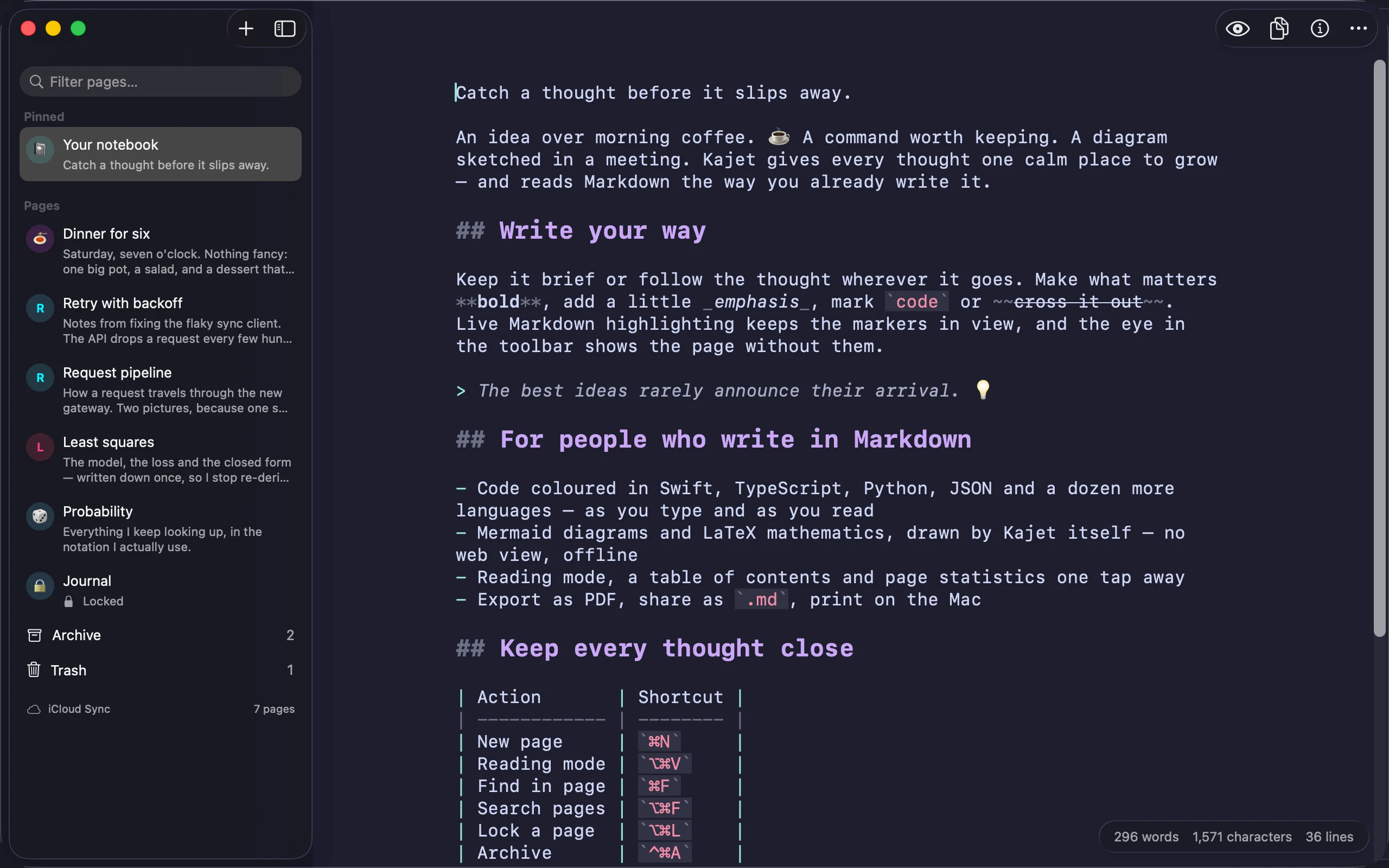
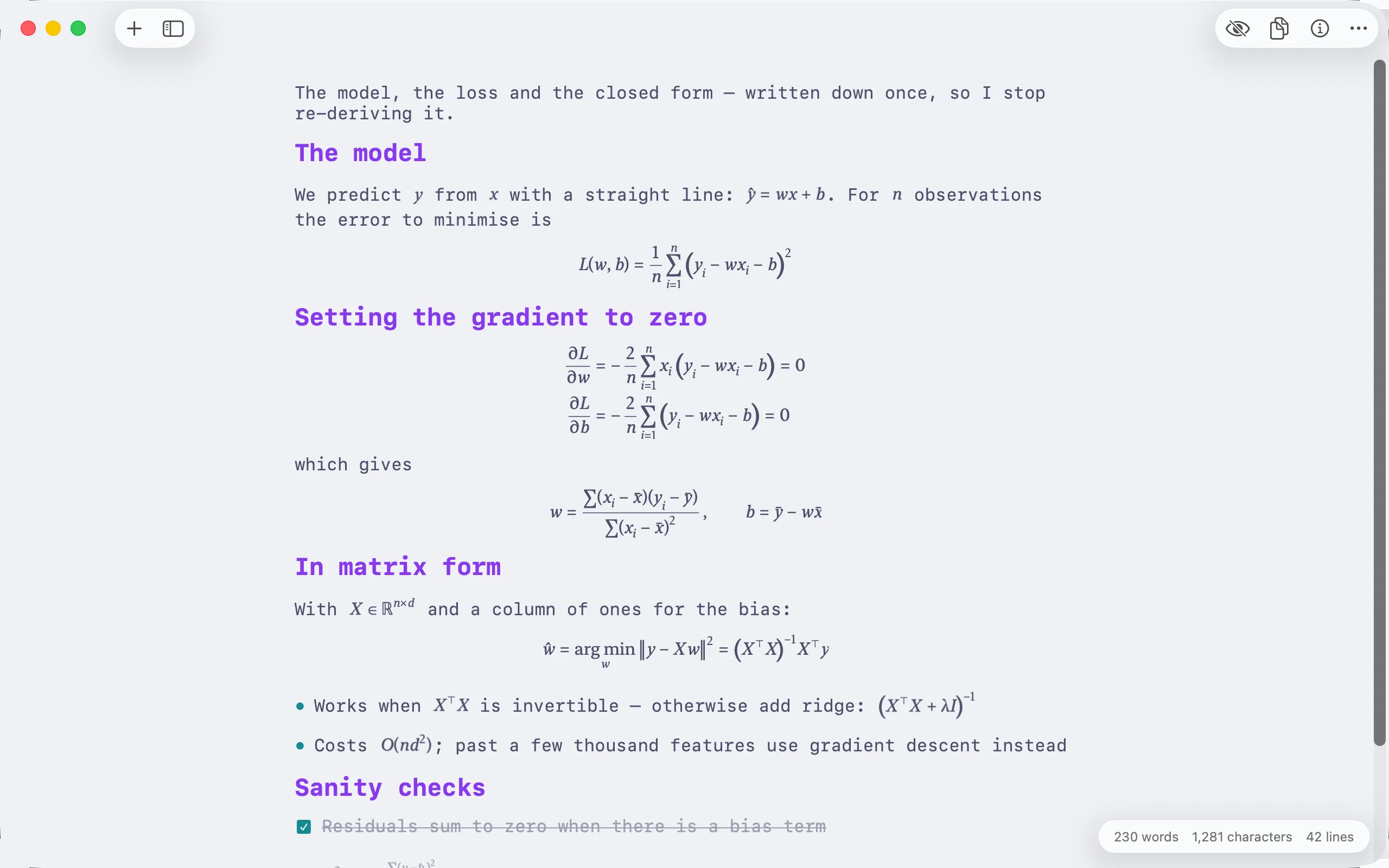
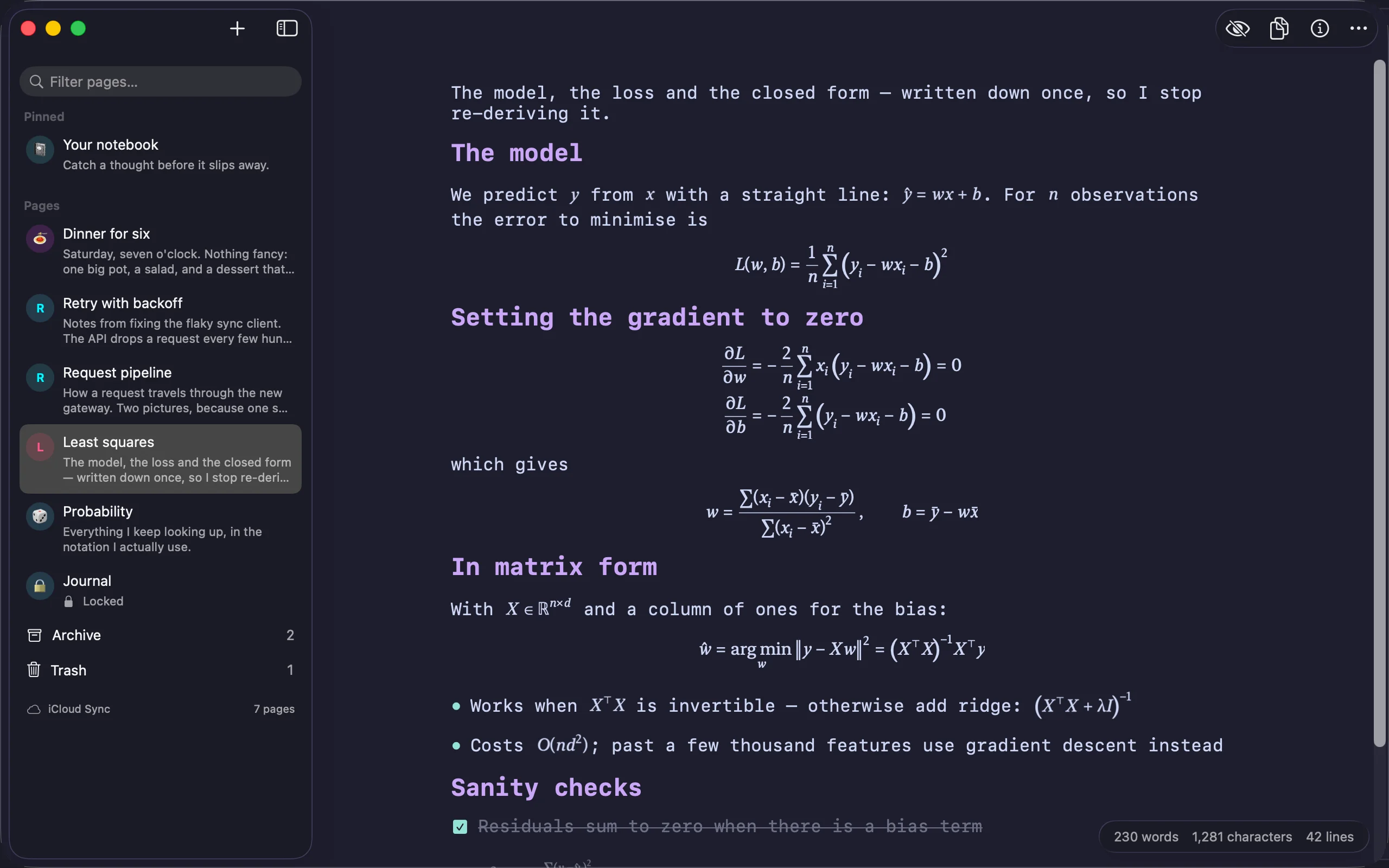
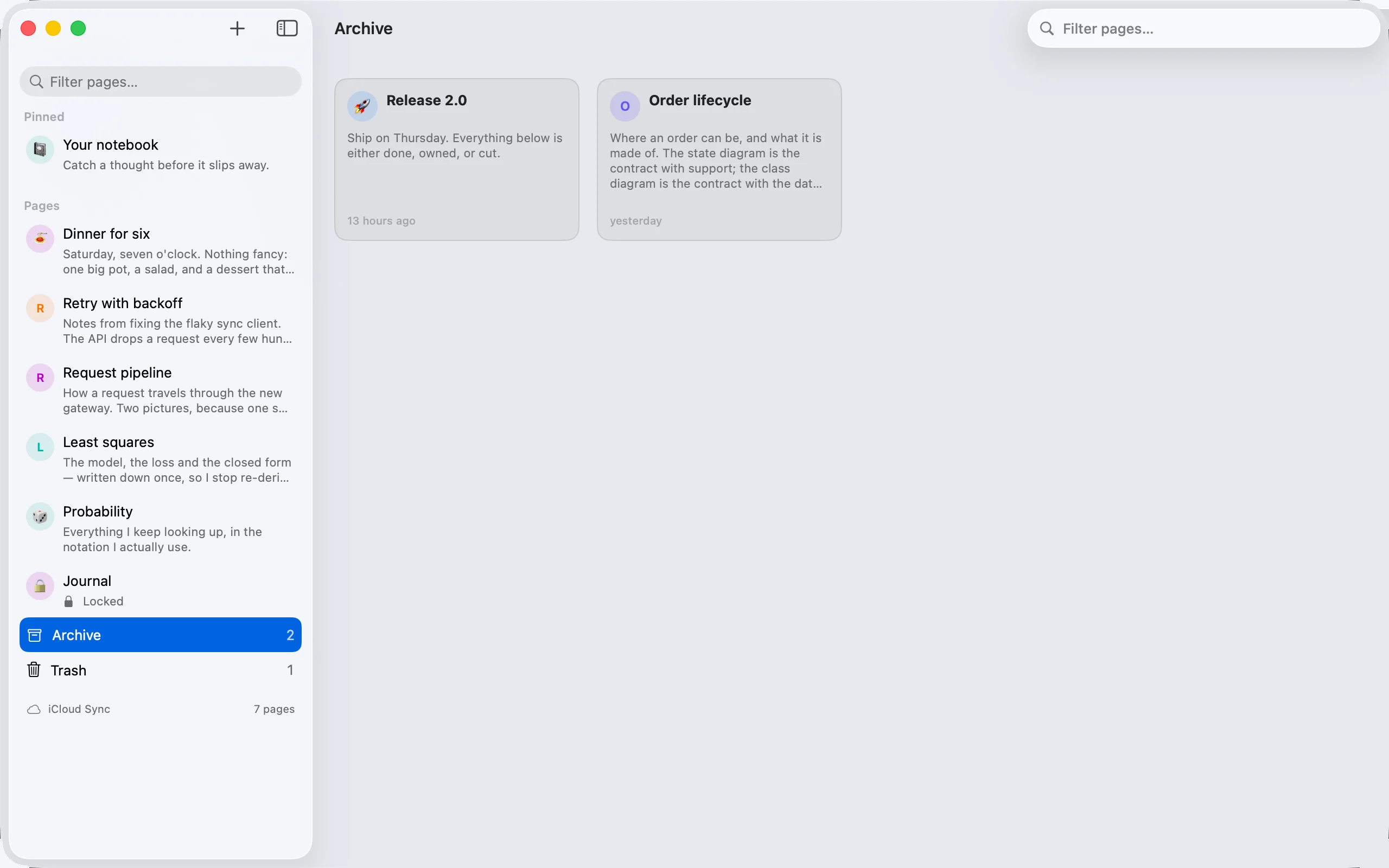
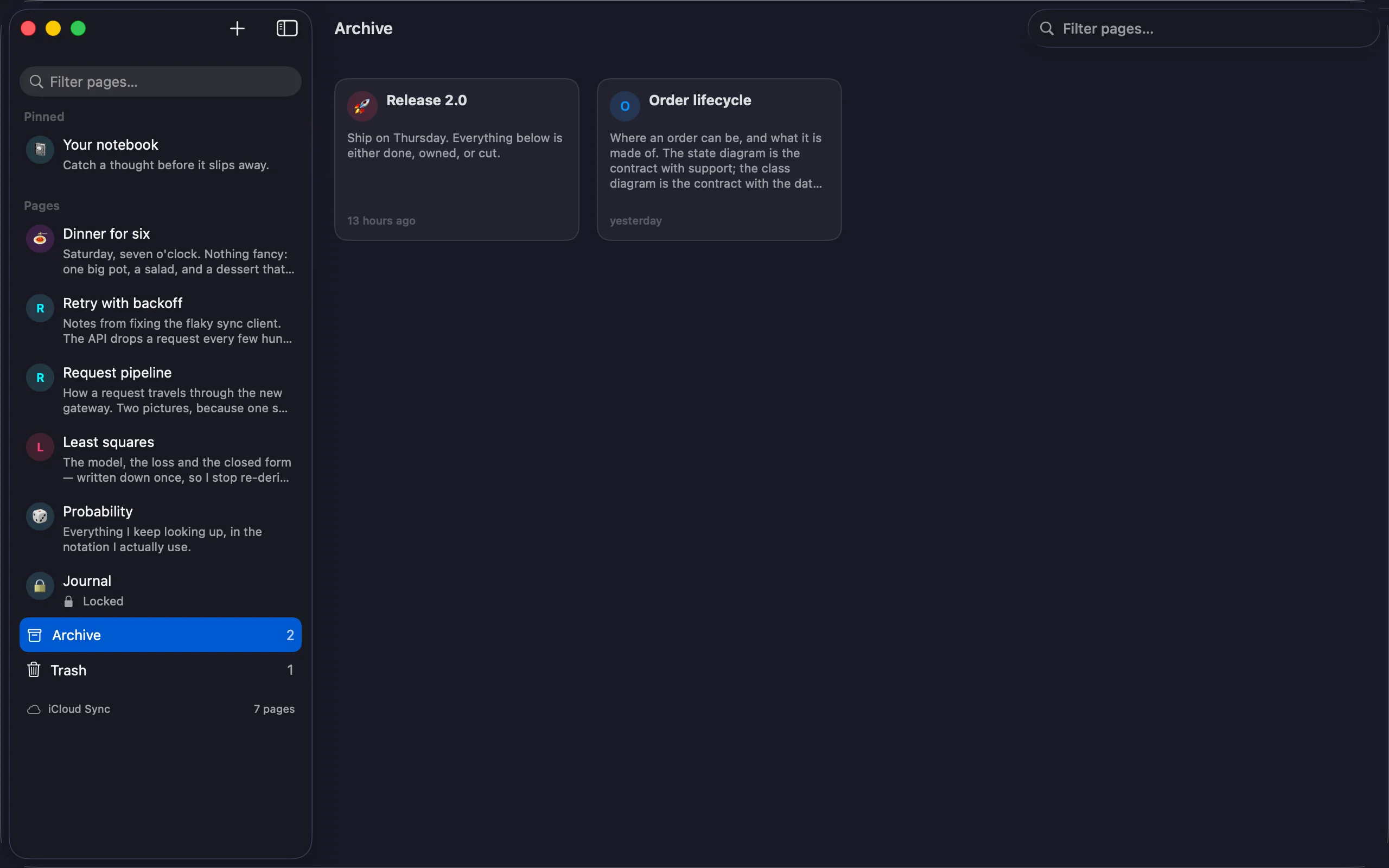
On iPad the page list sits beside the editor, the formatting bar stays inside the editor column while you write, and a hardware keyboard gets the full set of shortcuts.
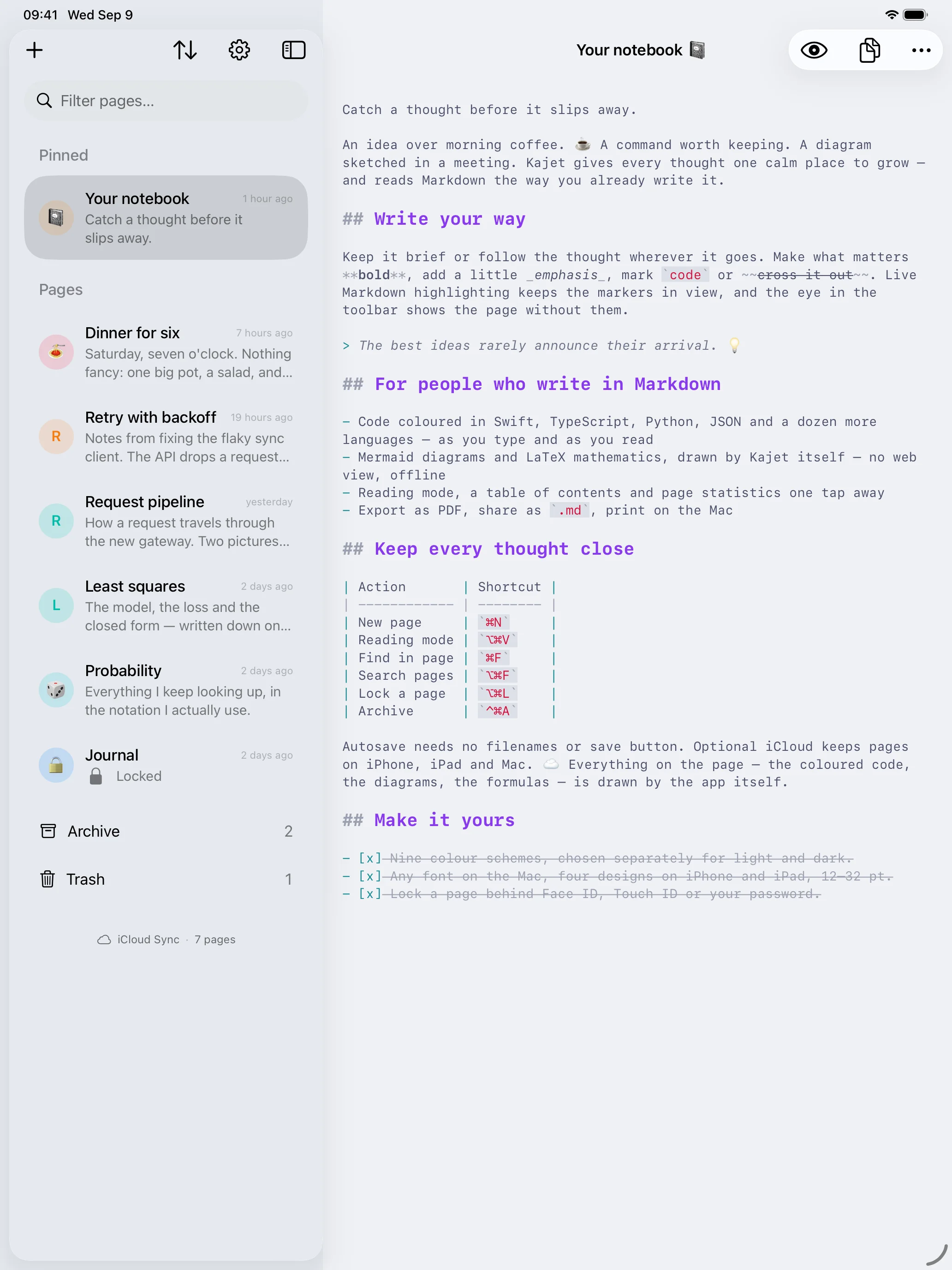
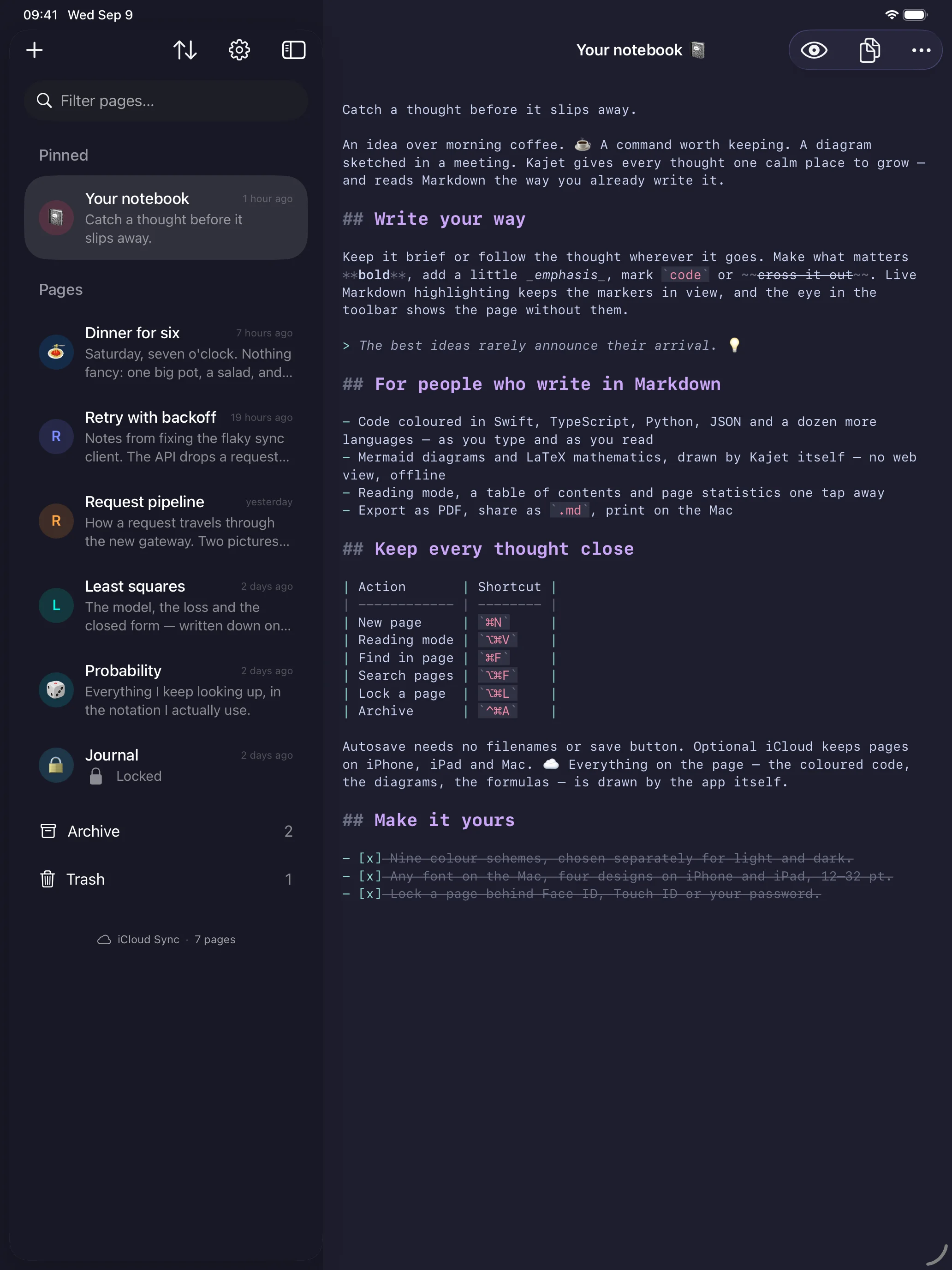
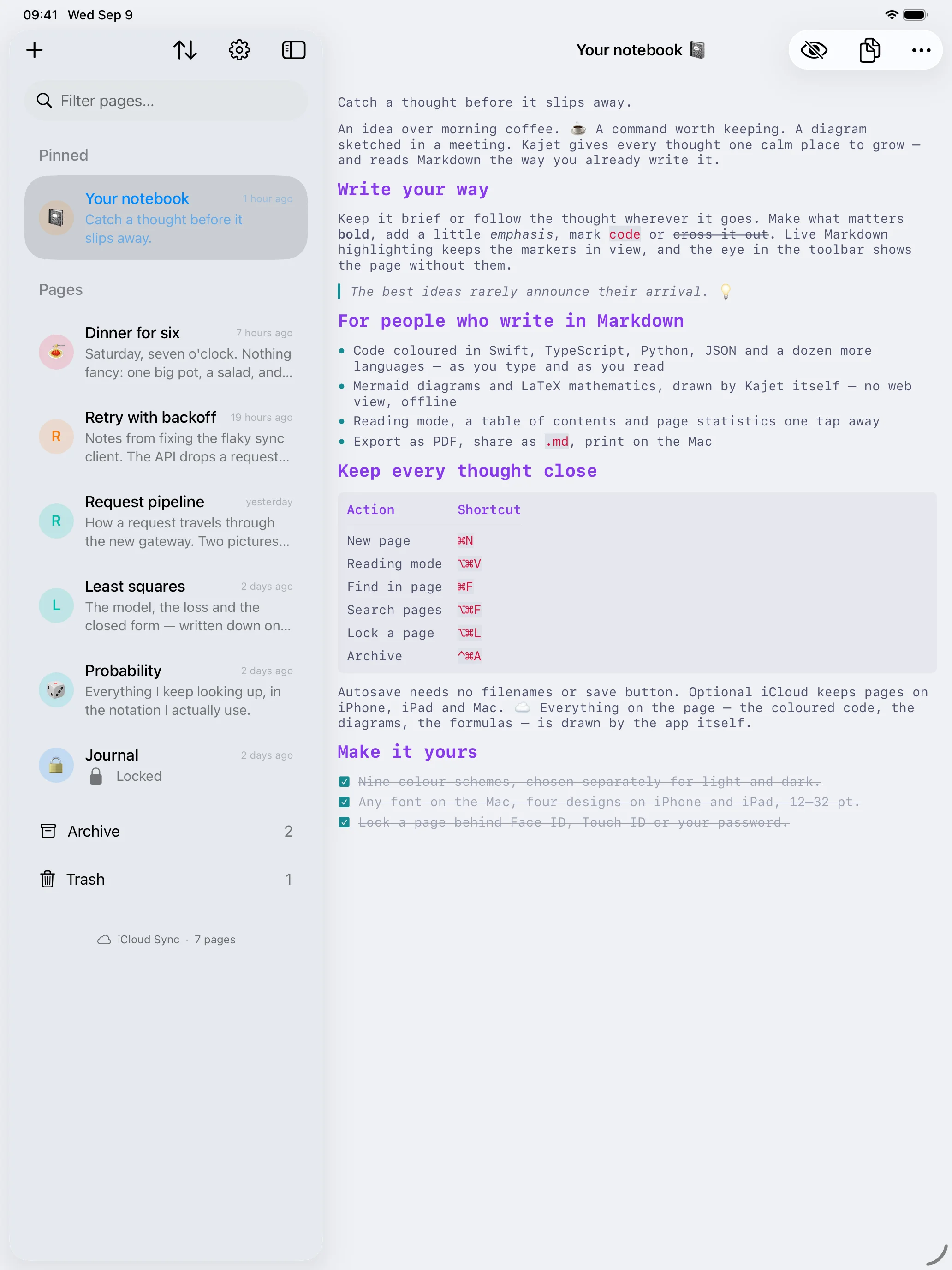
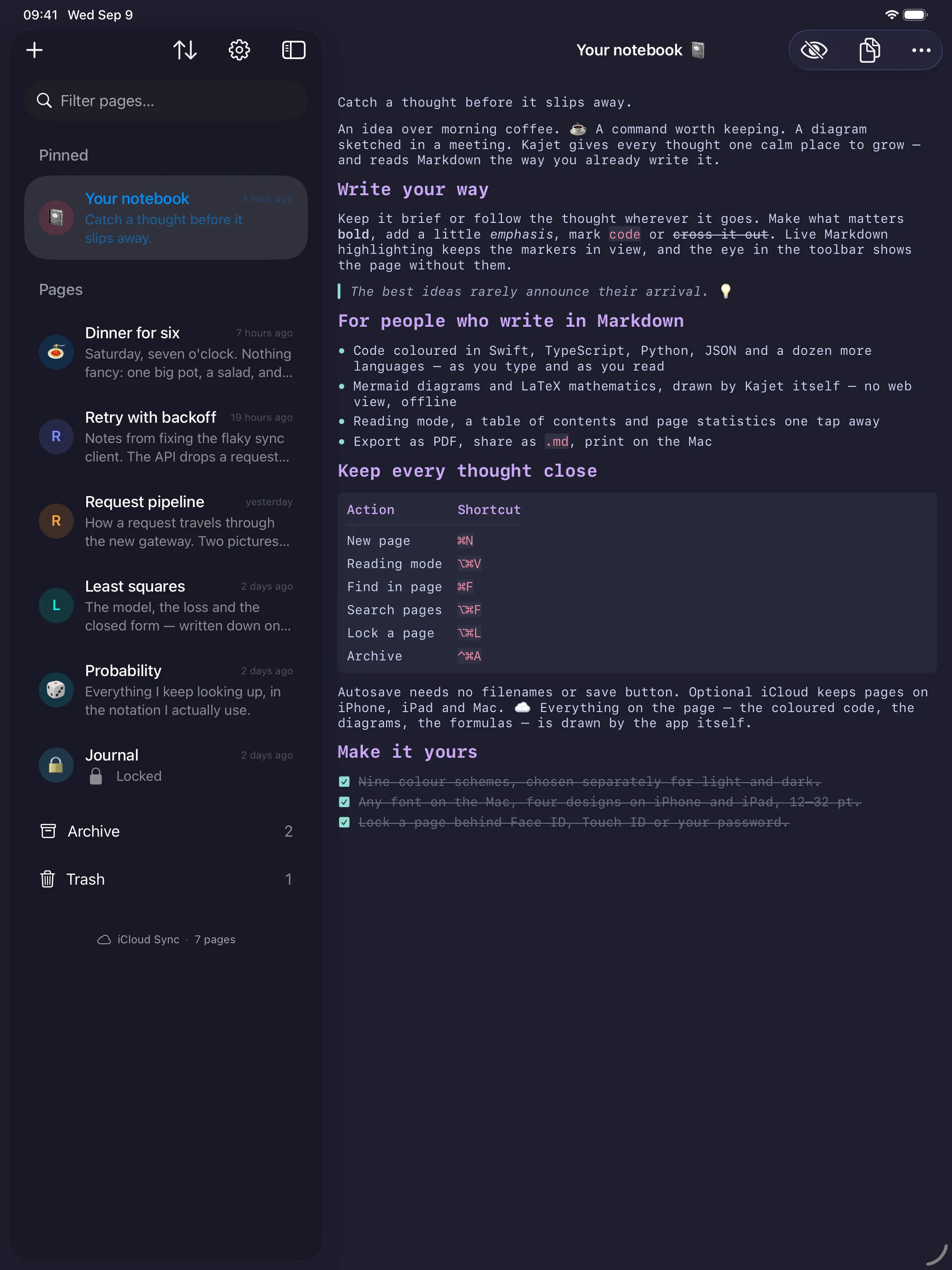
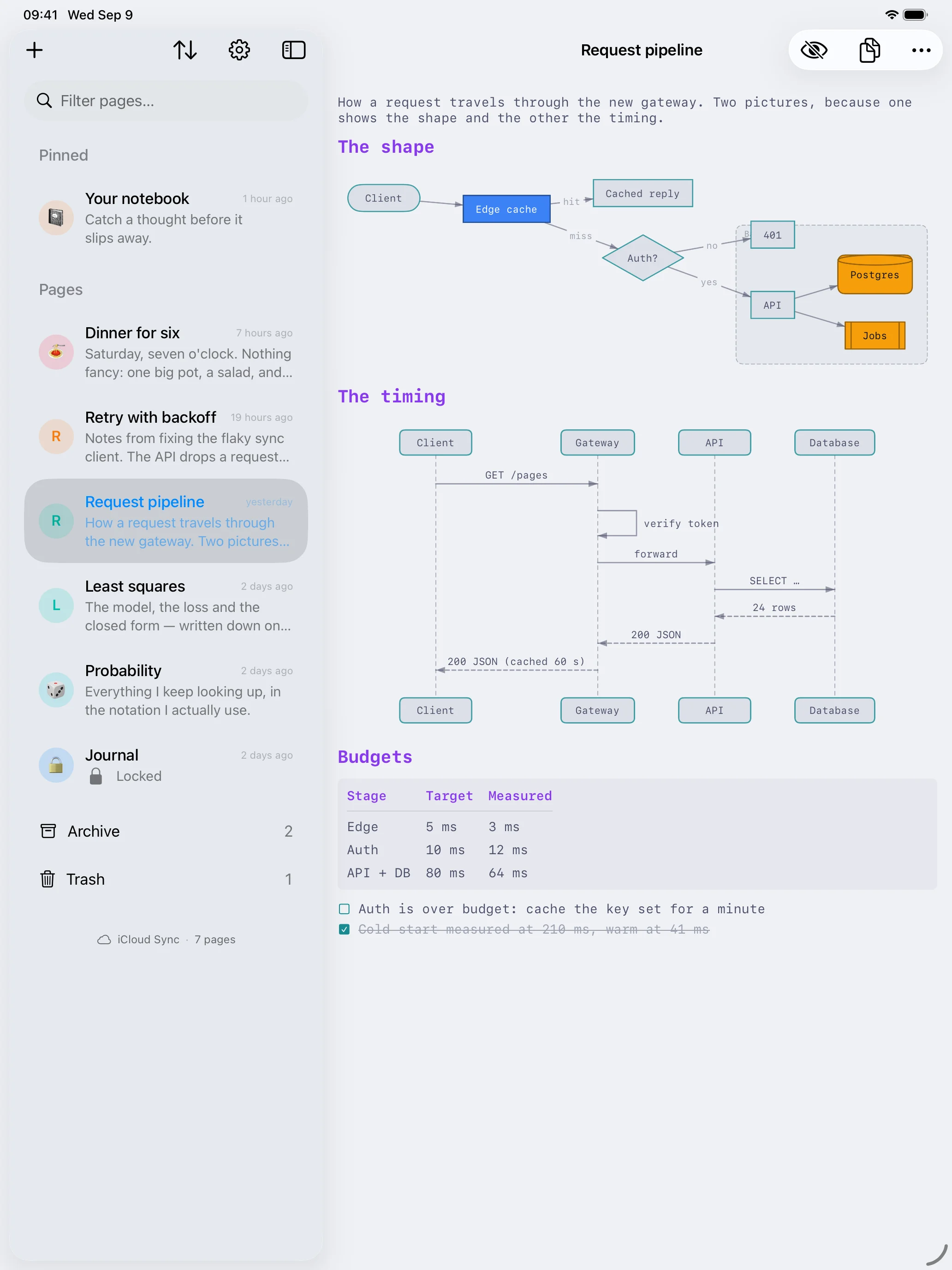
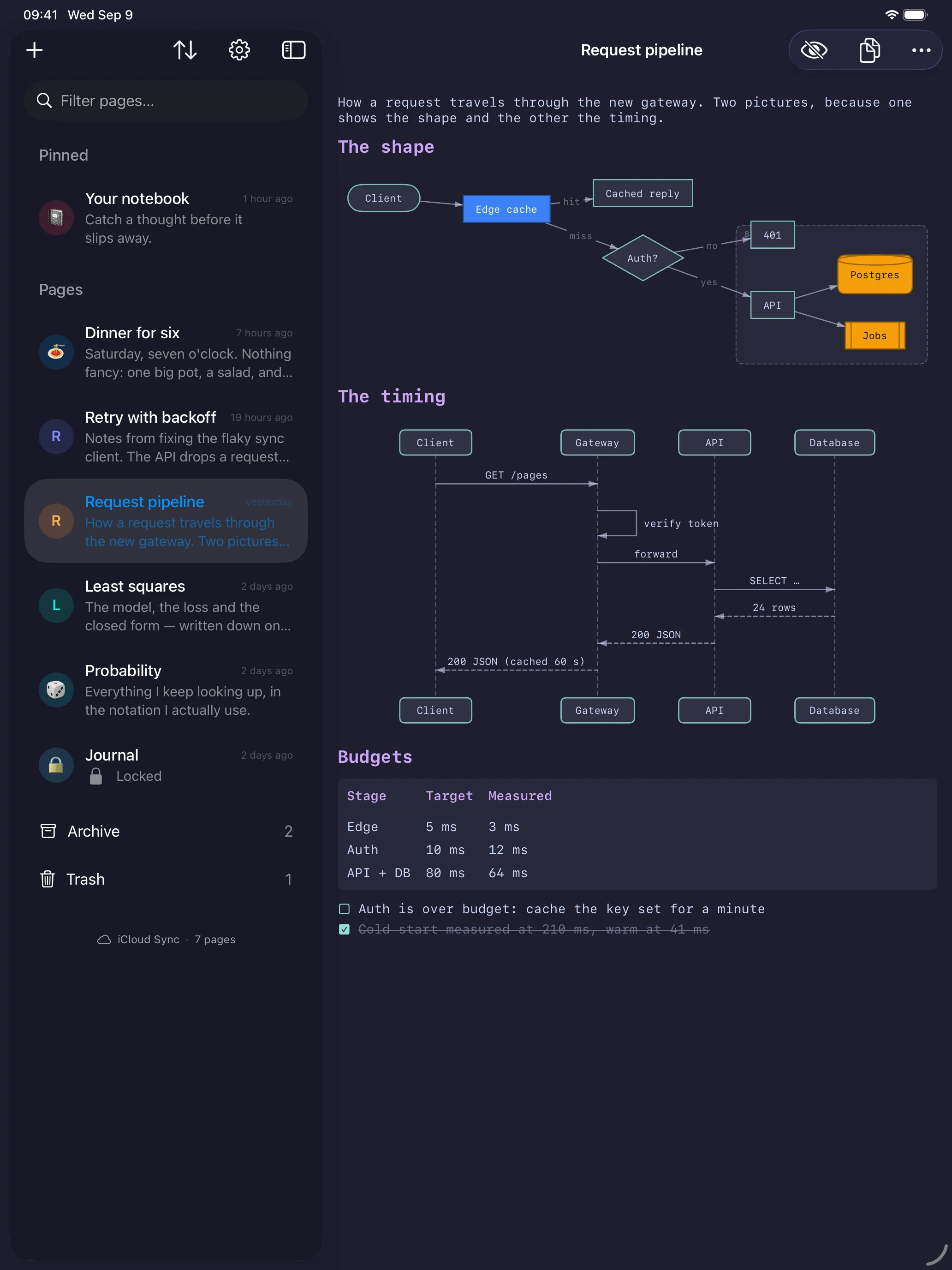
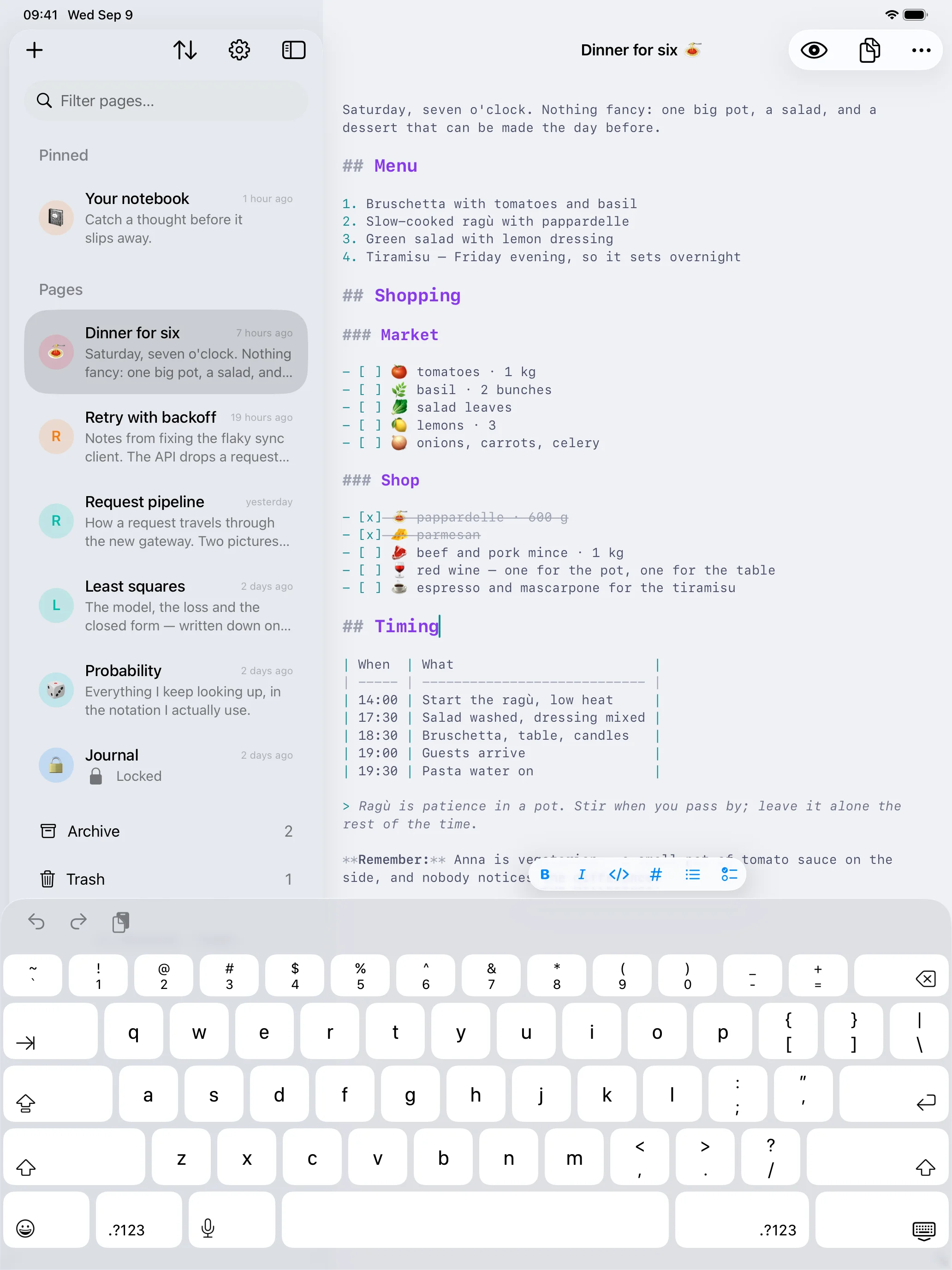
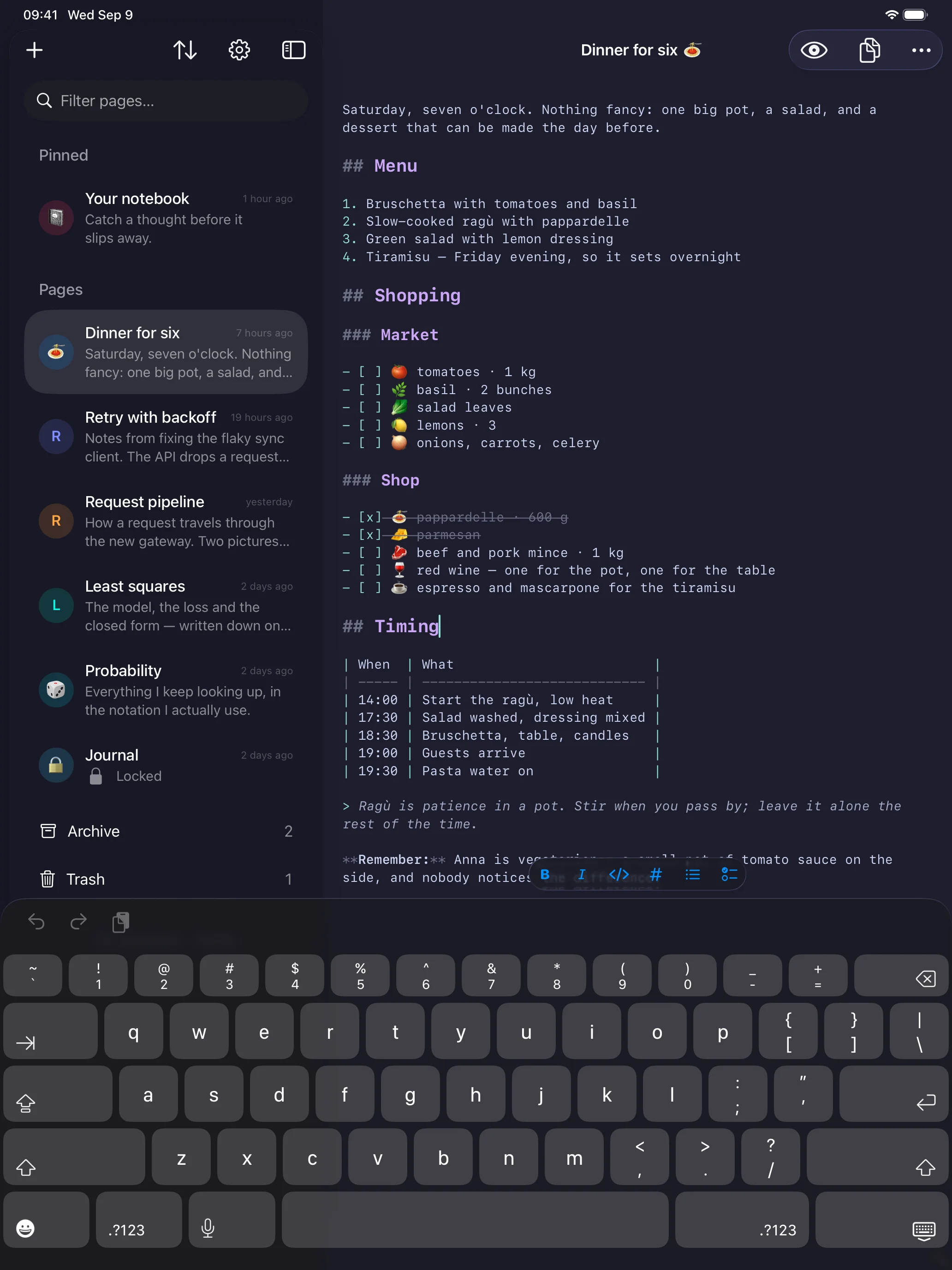
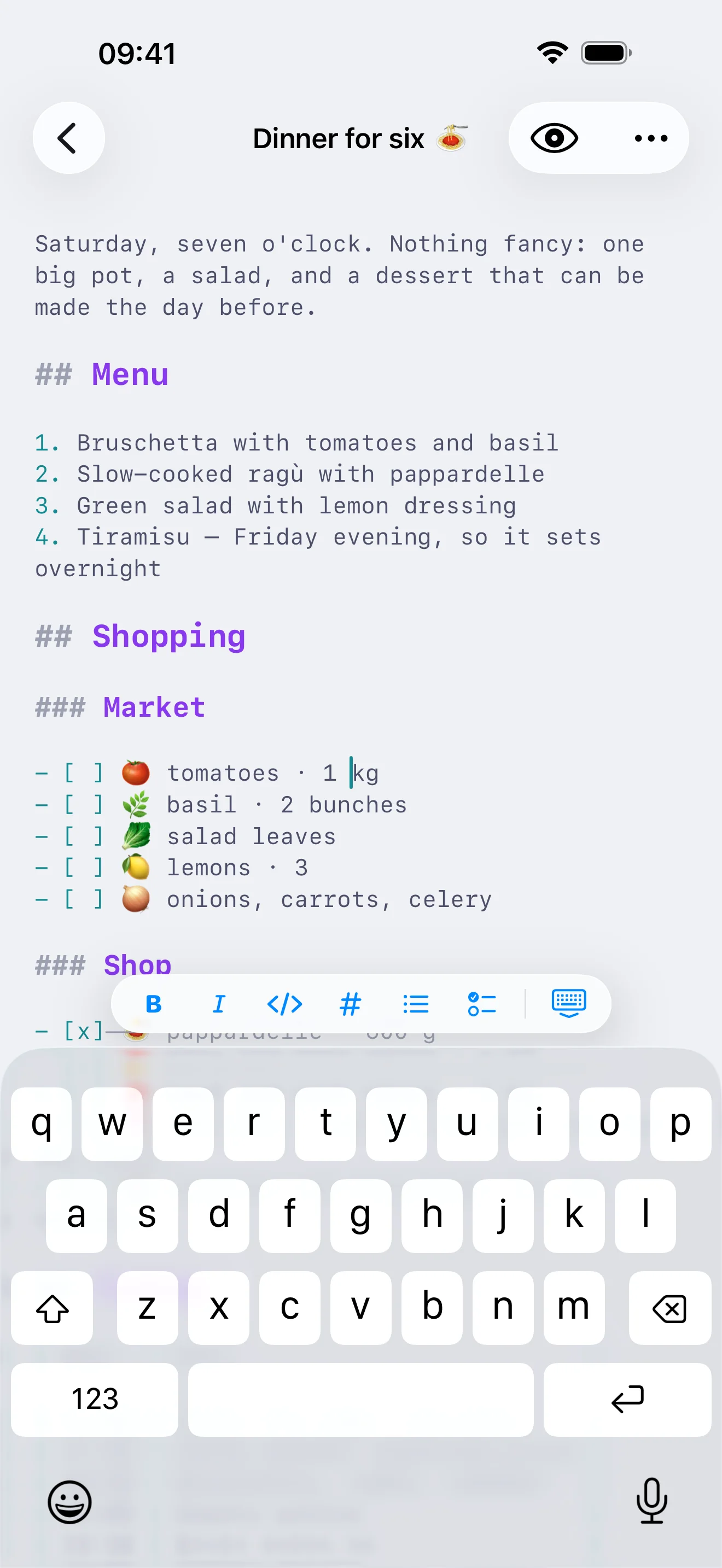
On iPhone the whole notebook is one list you swipe through, the page fills the screen, and the formatting bar waits above the keyboard.
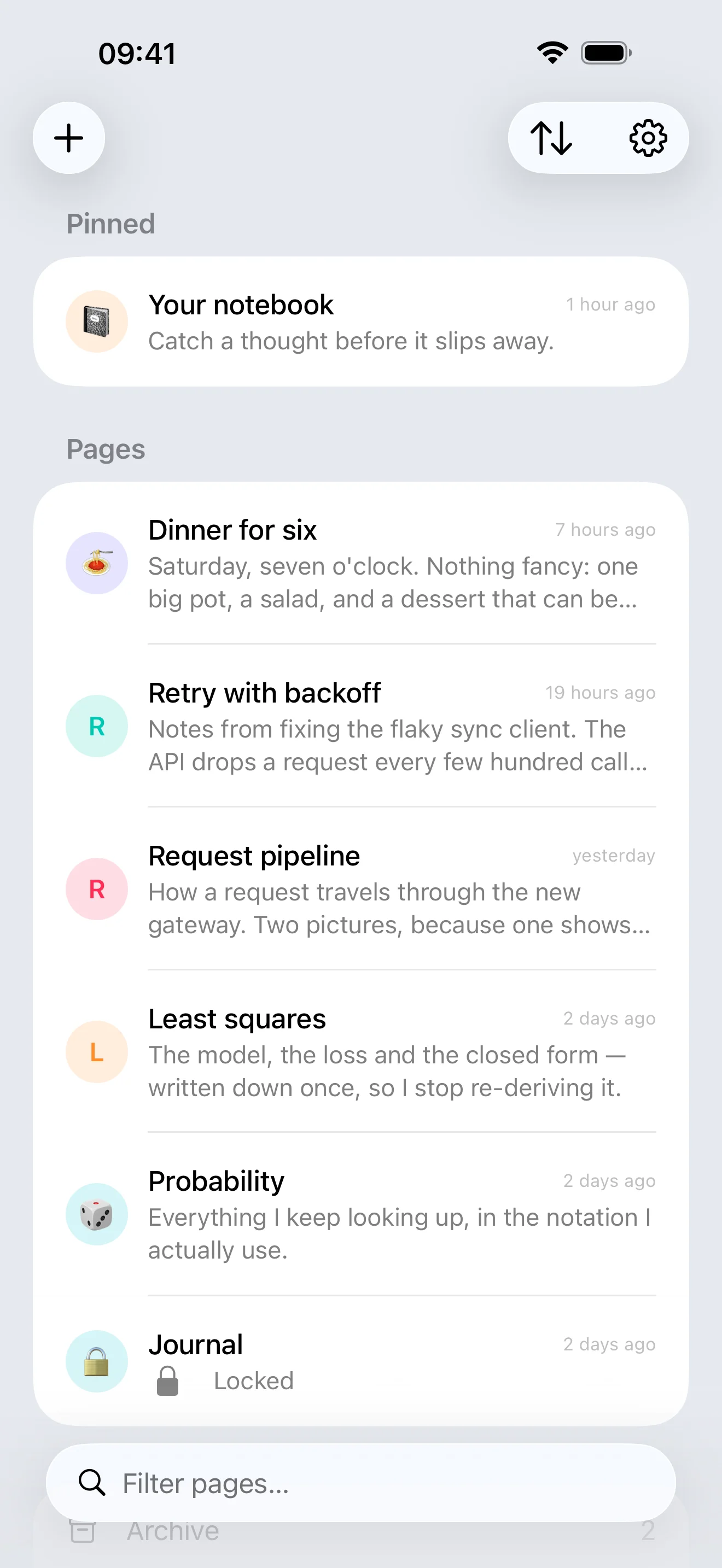
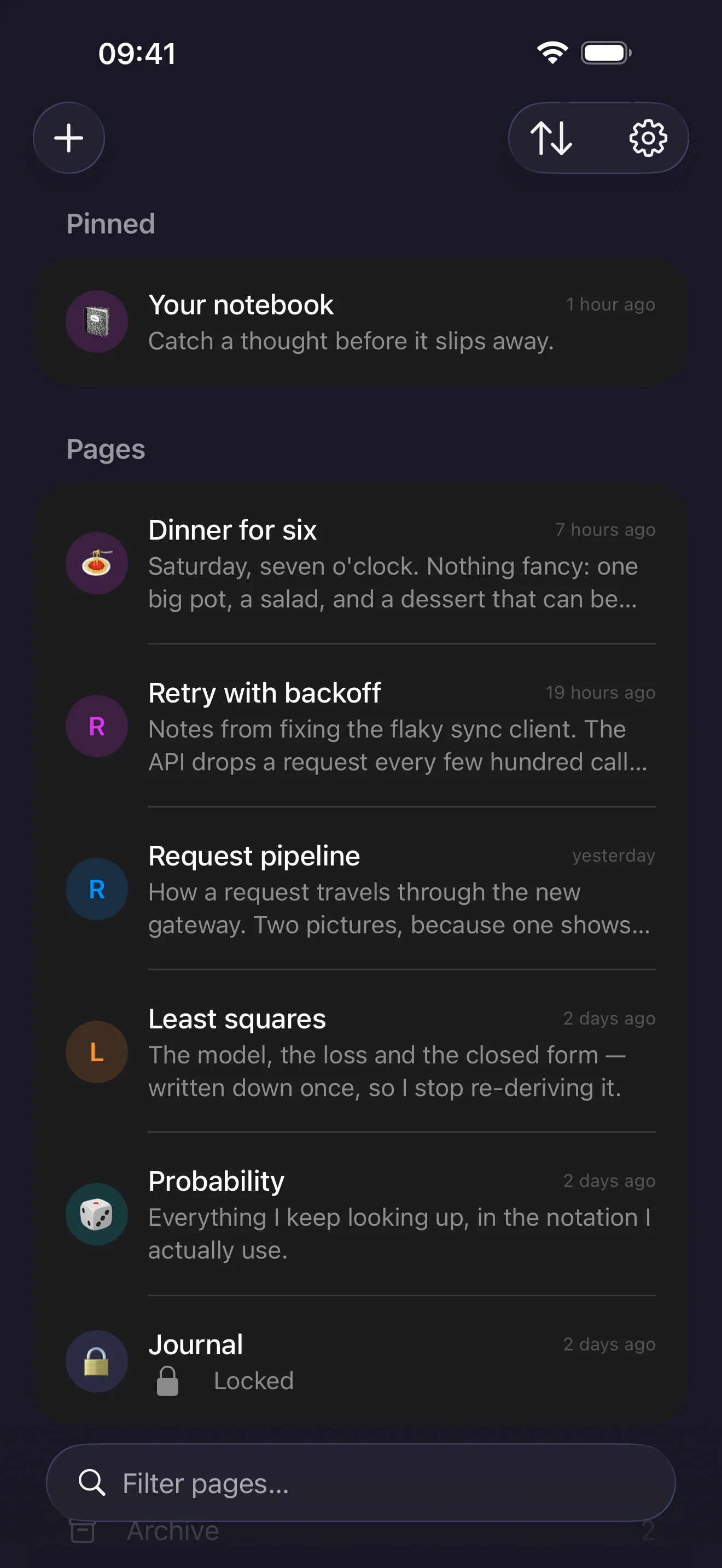
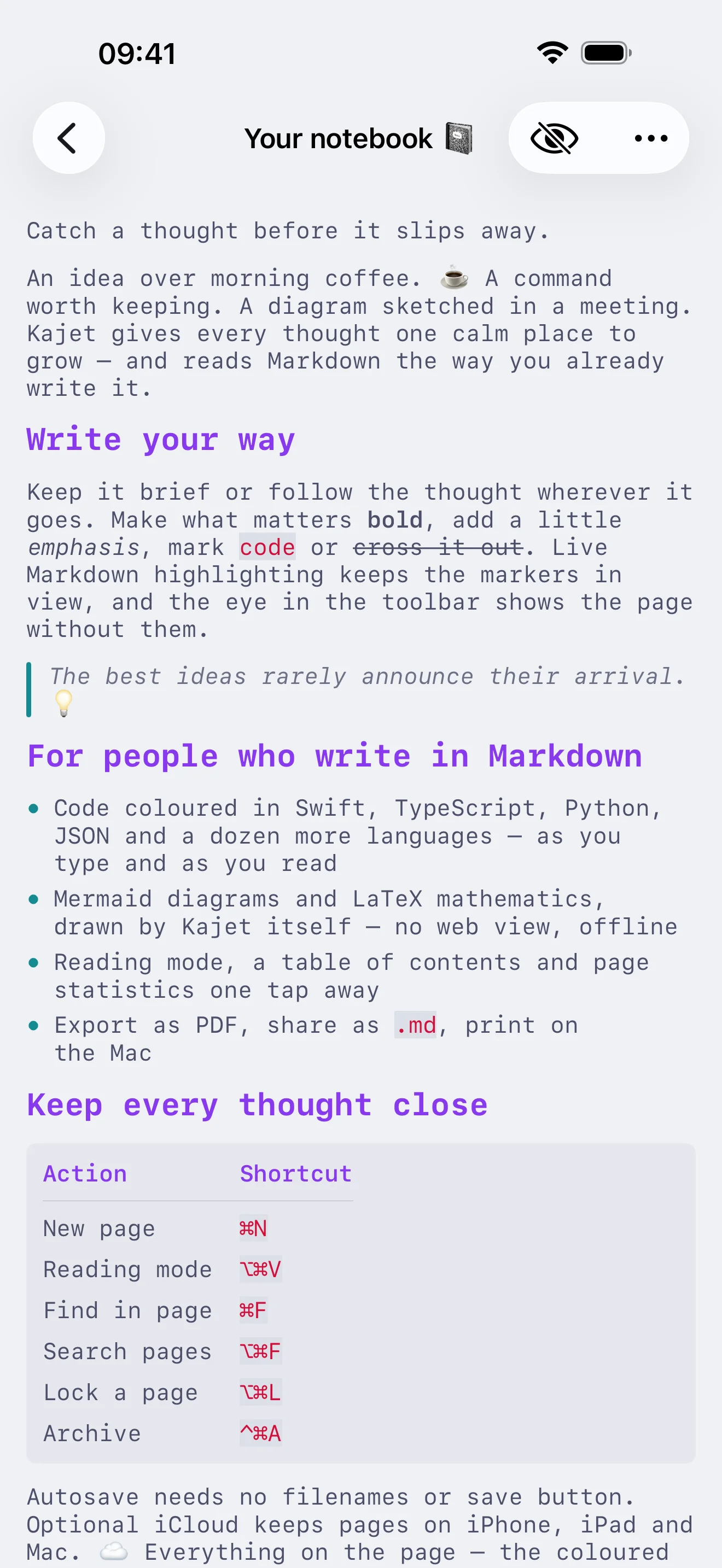
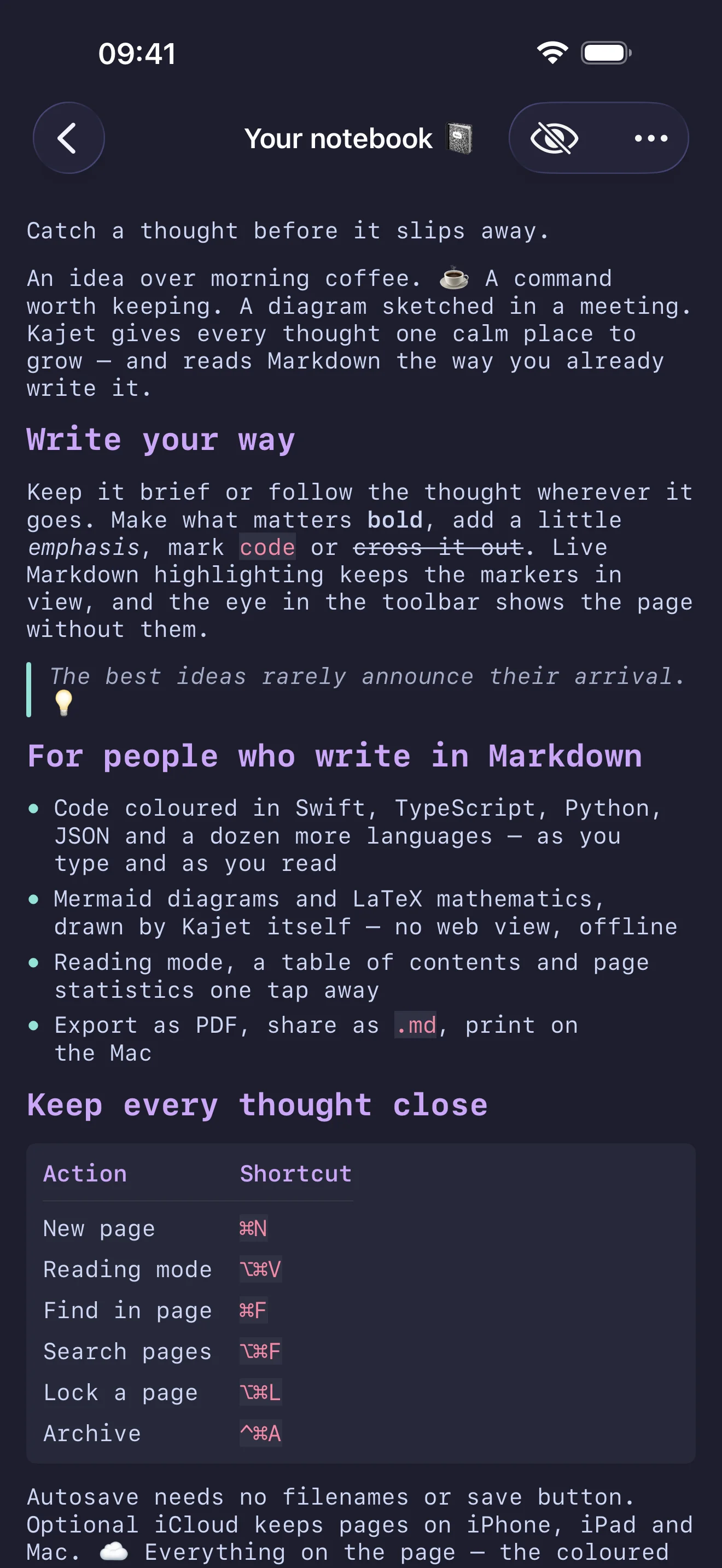
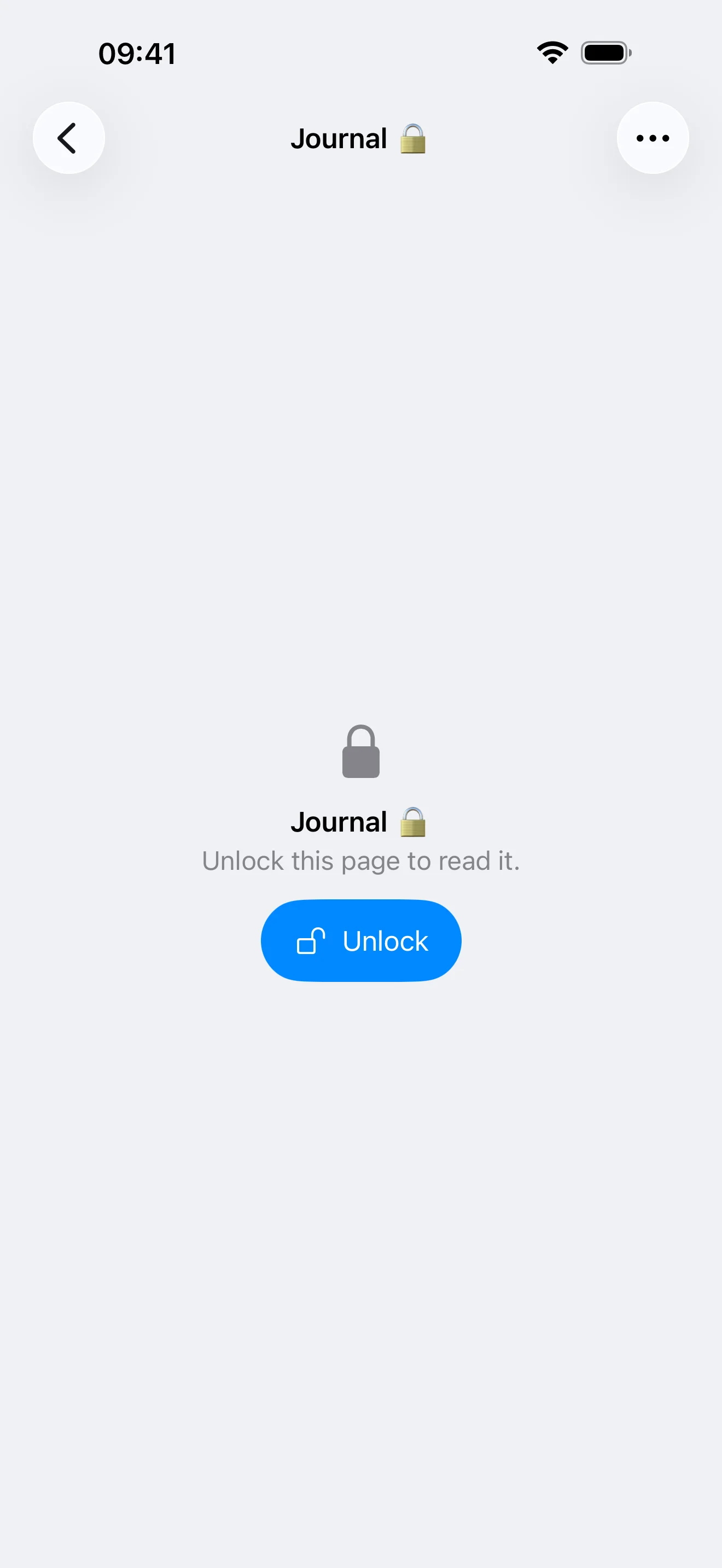
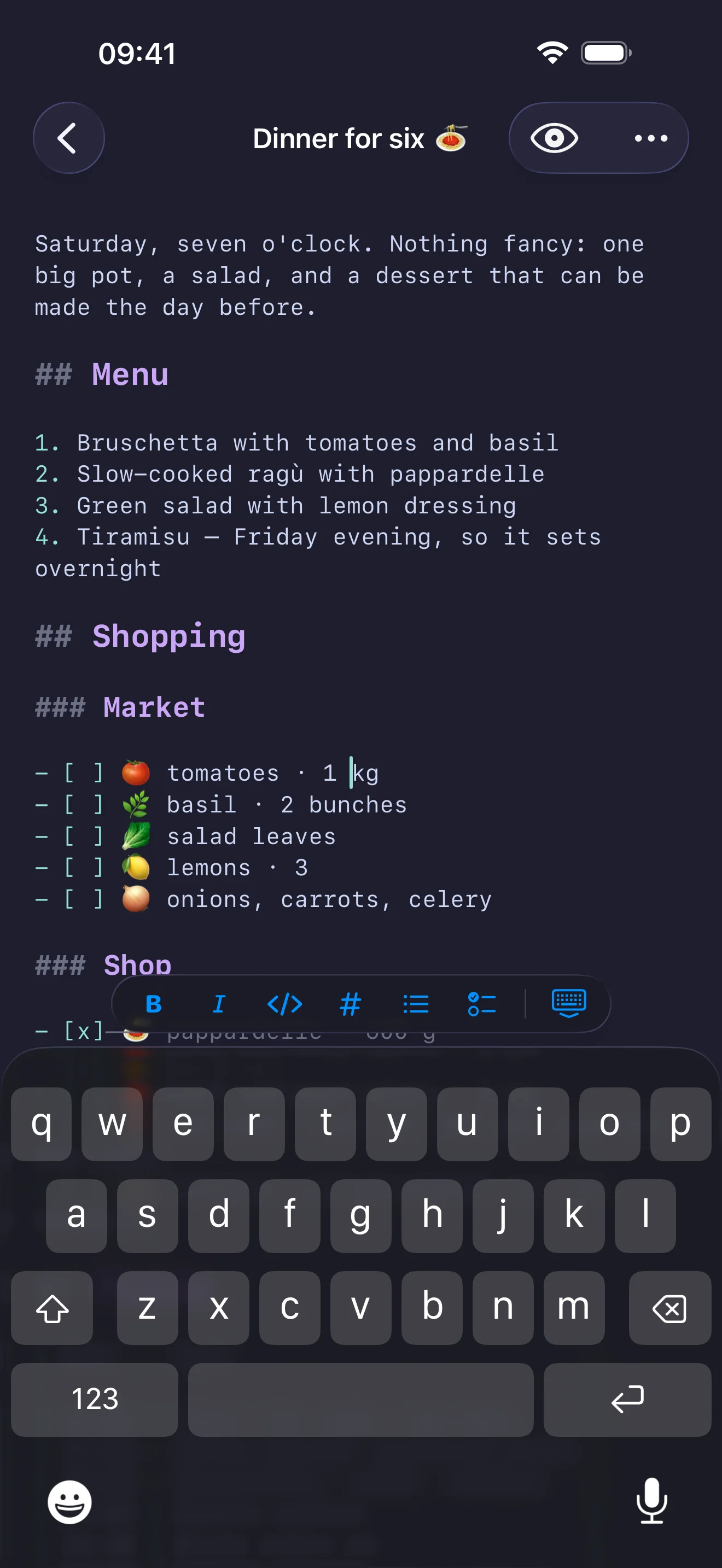
A frictionless list of pages with automatic saving. Give a page a name of your own, or let the first line become its title.
Headings, bold, lists and code look the part as you type. Turn the switch off and Kajet is a plain-text editor — either way a page is just text, and the markup is never hidden from you.
One press shows the page as the Markdown describes it, read-only and still selectable, and one press puts you back on the word you left. It opens where you were reading rather than at the top.
Mermaid diagrams are drawn and LaTeX formulas are typeset by Kajet itself — no web view, no JavaScript, nothing fetched. They follow your colour scheme, work offline and print with the page.
A fenced block that names its language is syntax-coloured in the editor and in reading mode alike, in sixteen languages, in the colours of the scheme you picked.
Archive a page you have finished with, or move an unwanted one to the trash. Both are screens of their own with their own search; restore always puts the page back in the notebook.
Put a page behind Touch ID, Face ID or your device password, and choose how long an opened page stays open. Its words stay out of search until you unlock it.
Pin the pages that matter and drag them into the order you like. On iPhone and iPad you can also sort by date or title and file several pages at once.
One key highlights every match as you type and counts them, and stepping through them wraps around. The search ignores case and accents, so “zamkniete” still finds “zamknięte”.
Ten tiles — characters, words, lines, sentences, paragraphs, words per sentence, reading and speaking time, and the page’s dates — beside a list of every heading you can jump from.
Nine colour schemes picked separately for light and dark, an editor font and size of your choosing, and a page width — narrow, standard, wide or full — so a wide window becomes margin instead of a very long line.
Open Kajet from the menu bar or summon it from any app with a global shortcut you choose. Keep it above other windows when you need a scratchpad.
Copy the whole page, send it to any app as a Markdown or plain-text file, export it to disk on Mac, and save it as a PDF of the finished page — which is also what ⌘P prints.
Keep pages in sync across iPhone, iPad and Mac through your own private iCloud storage — or switch sync off and stay entirely local.
Kajet grew in 2.0, but it did not grow busier. Everything it leaves out is still one thing fewer between you and the page.
No feed, no ads, no badges, no streaks, no notifications asking you to come back. You open Kajet when you have something to write, and close it when you are done.
Reading mode, diagrams, mathematics and the shelves stay out of the way until you use them: no filenames, no save button, no folders to maintain. An empty notebook looks exactly as it did before.
Written in Swift with SwiftUI and TextKit 2, with no web layer and no third-party dependencies — the diagrams and the mathematics included. Formatting only ever redraws the text that changed, so a long page stays as quick as an empty one.
Everything a page can do has a key. With a hardware keyboard you can write, read, search, rearrange and file a whole notebook without reaching for the pointer.
iOS and iPadOS 26.0 or later
macOS 26.0 or later
Buy once for iPhone, iPad and Mac; updates included, no subscription
A free update for everyone who already owns Kajet
The app interface is localized into 13 languages
No sign-in, no ads and no tracking
Most of them are about what Kajet does not do. Those are the answers worth reading first.
For people who write in short bursts all day: a thought in the middle of a meeting, a command worth keeping, the draft of a message, a list before the shops. If you want a notebook that opens instantly and never asks you anything, Kajet is for you. If you are looking for a research database with backlinks, nested notebooks and plugins, it honestly is not — and that is fine.
Reading mode, Mermaid diagrams, LaTeX mathematics, syntax-coloured code fences, an archive and a trash, locked pages, PDF export, nine colour schemes and a page width setting. It is a free update for everyone who already owns Kajet, and the notebook you had is the notebook you keep — nothing needs converting and nothing is filed away for you.
Because somebody pays for every app, and it should be you rather than an advertiser or a data broker. You buy Kajet once, updates are included, and there are no subscriptions and no in-app purchases. That is also why there is no advertising, no analytics and no tracking: the app has no business model that would need them.
Yes. Kajet is a single app for iPhone, iPad and Mac, so one purchase in your Apple Account covers all three. Optional iCloud sync then keeps the same pages on each of them.
No. Mermaid diagrams are drawn and LaTeX formulas are typeset by Kajet itself, with no web view and no JavaScript, so both work with the network off, follow your colour scheme and text size, and print with the page. The only thing reading mode fetches is an image you linked to yourself, over https; anything that will not load shows its alt text instead.
Every feature costs something: a button, a setting, a moment of hesitation before you type. Kajet leaves out what a notebook does not need, so what remains is immediate. Version 2.0 added a great deal, and none of it is in your way until you ask for it — a notebook you have never archived from looks exactly as it did before.
A flat list of pages is faster than any hierarchy you would have to maintain. Pin what matters, drag pages into the order you like, archive what you have finished with, and search titles and contents when the list grows long. Organising a notebook is not writing.
No. Markdown formatting is a switch, on from the first launch because reading mode, diagrams, mathematics and coloured code all depend on it. Turn it off and Kajet is a plain-text editor. Either way a page is just text — the markup is never hidden from you and never converted into something else.
Yes. Kajet has no accounts and no sign-in, collects no data, and contains no analytics, advertising or third-party code. Pages live on your device and, only if you turn sync on, in your own private iCloud storage that nobody else — the developer included — can read.
Always. Copy a page, share or export it as a Markdown or plain-text file to any app, or save it as a PDF of the finished page — and print it on the Mac. What you write is text on your own device, not a proprietary format inside a service you have to keep paying for.
It will keep getting better at what it already does: speed, reliability and the small details of writing. Requests are welcome and read carefully — but “no” is a normal answer here, because keeping the app small is a feature that has to be defended.
Practical questions about sync, storage and exporting are answered on the support page. Go to support →
Kajet collects no personal data. Pages live on your device and, only if you turn sync on, in your own private iCloud storage.
Read the privacy policy →